
How to Handle Consent Withdrawal After Publishing
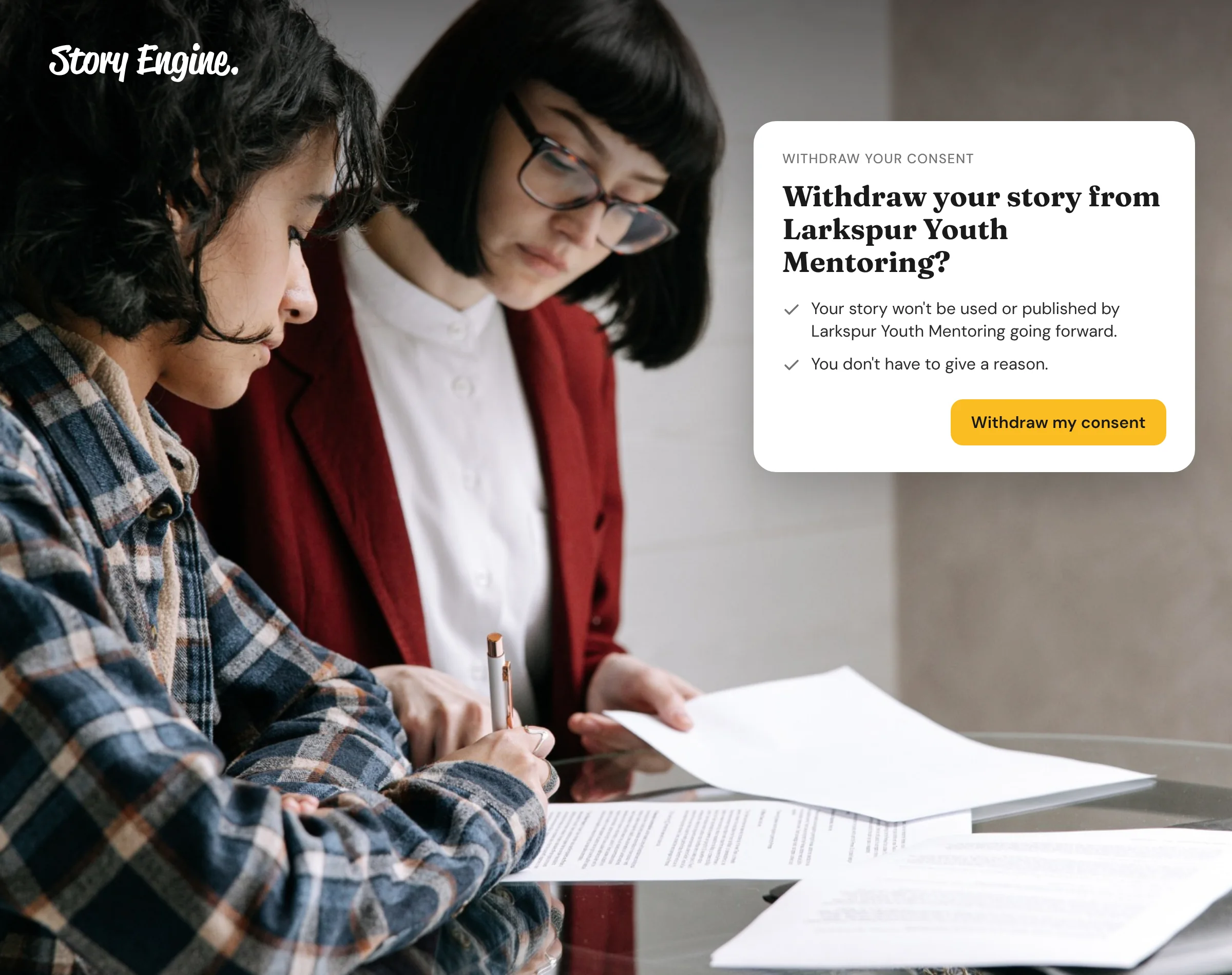
When a storyteller withdraws consent after their story is published, your organization should remove or archive the content, stop sharing it, and notify anyone you shared it with. The process starts before publishing: a clear consent form tells storytellers exactly how to withdraw, who to contact, and what will happen if they do. That upfront clarity protects everyone involved.
See how Story Engine tracks consent for every interview.
This guide explains what nonprofits are expected to do when consent is withdrawn and how to handle it in practice. It covers your obligations, the steps to take, what to say in your consent form, and how to manage withdrawal requests in Story Engine.
What does withdrawing consent mean?
Withdrawing consent means a storyteller asks you to stop using their story, image or personal information, after they originally agreed to it. This can happen at any time, including days, weeks, or even years after publication.
Contexts change. Someone who shared a difficult experience during a crisis may feel differently once their life has moved on. Ethical storytelling guidelines from several organizations recognize this reality and urge nonprofits to have a process ready before it happens.
One key principle worth knowing: the process of withdrawing consent should be as easy as the process of giving it. If a storyteller had to fill out one short form to agree, they should not have to file a formal written complaint to undo that agreement.
What is your organization obligated to do?
When consent is withdrawn, you should:
- Remove the content from your own channels (website, social media, email archives, donor reports, and anywhere else it may appear).
- Stop sharing it in new communications immediately.
- Notify any other organizations or platforms you shared the content with, so they can remove it too.
- Keep a record that consent was withdrawn, even after the content is gone.
The UK Information Commissioner's Office states that where people withdraw consent, organizations must communicate this to other organizations that received the personal data. Even if your nonprofit is not subject to UK law, this is widely recognized as the right standard.
Note that removing content does not erase the fact that it existed. Your records should show what was collected, that consent was withdrawn, and when.
How to set expectations before you publish
The best time to prepare for consent withdrawal is before you collect the story. A well-written consent form removes confusion later, for the storyteller and for your team.
Your consent form should spell out:
- Who to contact to withdraw consent.
- What will happen when they do: which content will be removed, how quickly, and what you are not able to undo.
- Whether any uses have a time limit, so storytellers know their story will not live online indefinitely.
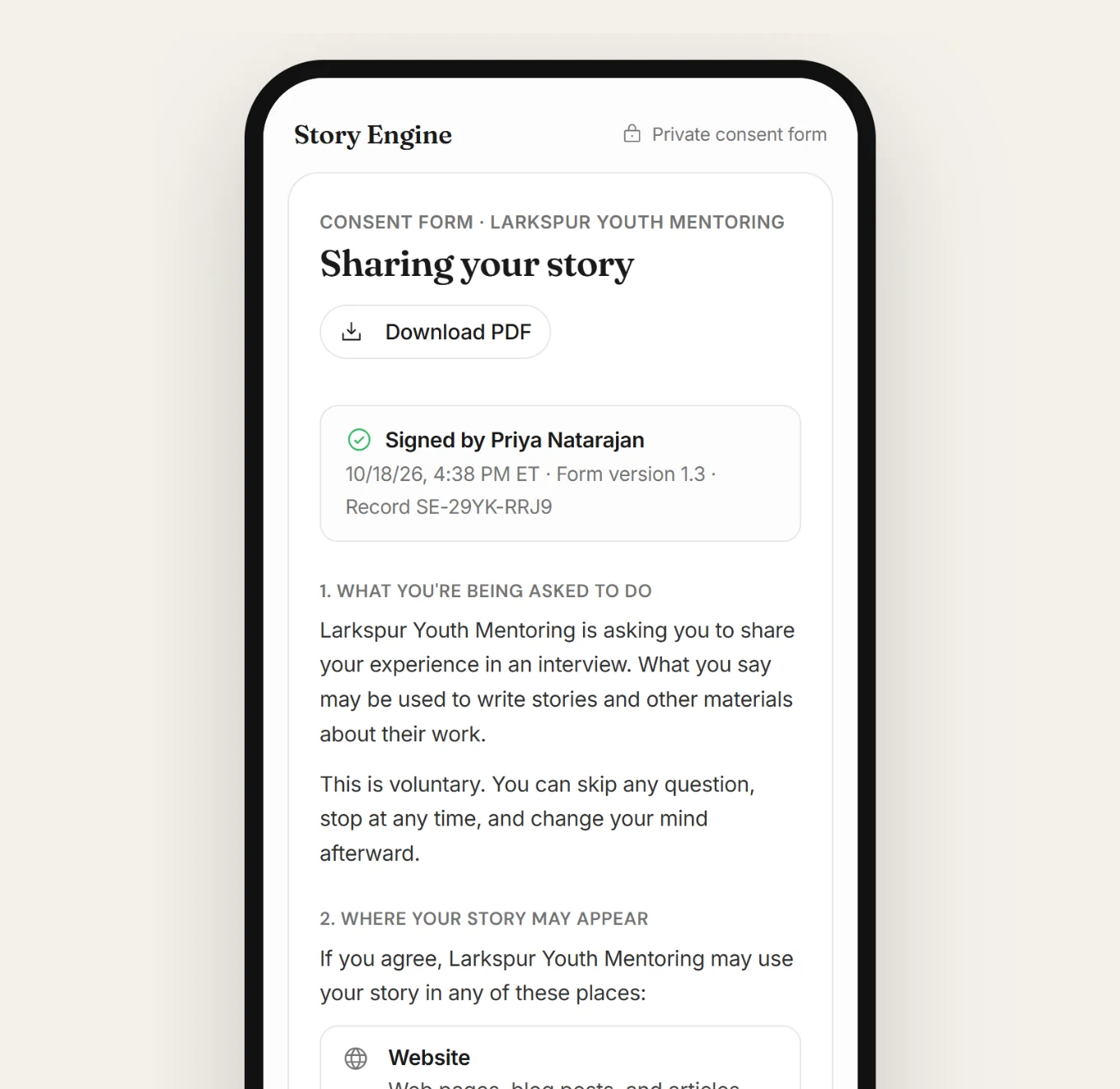
Some organizations include a clause that stories are retired after five years, making the limit explicit in the consent form itself. Being honest about what you cannot reverse matters too. If a printed annual report has already been mailed, you cannot recall it. Tell storytellers that upfront, so there are no surprises.
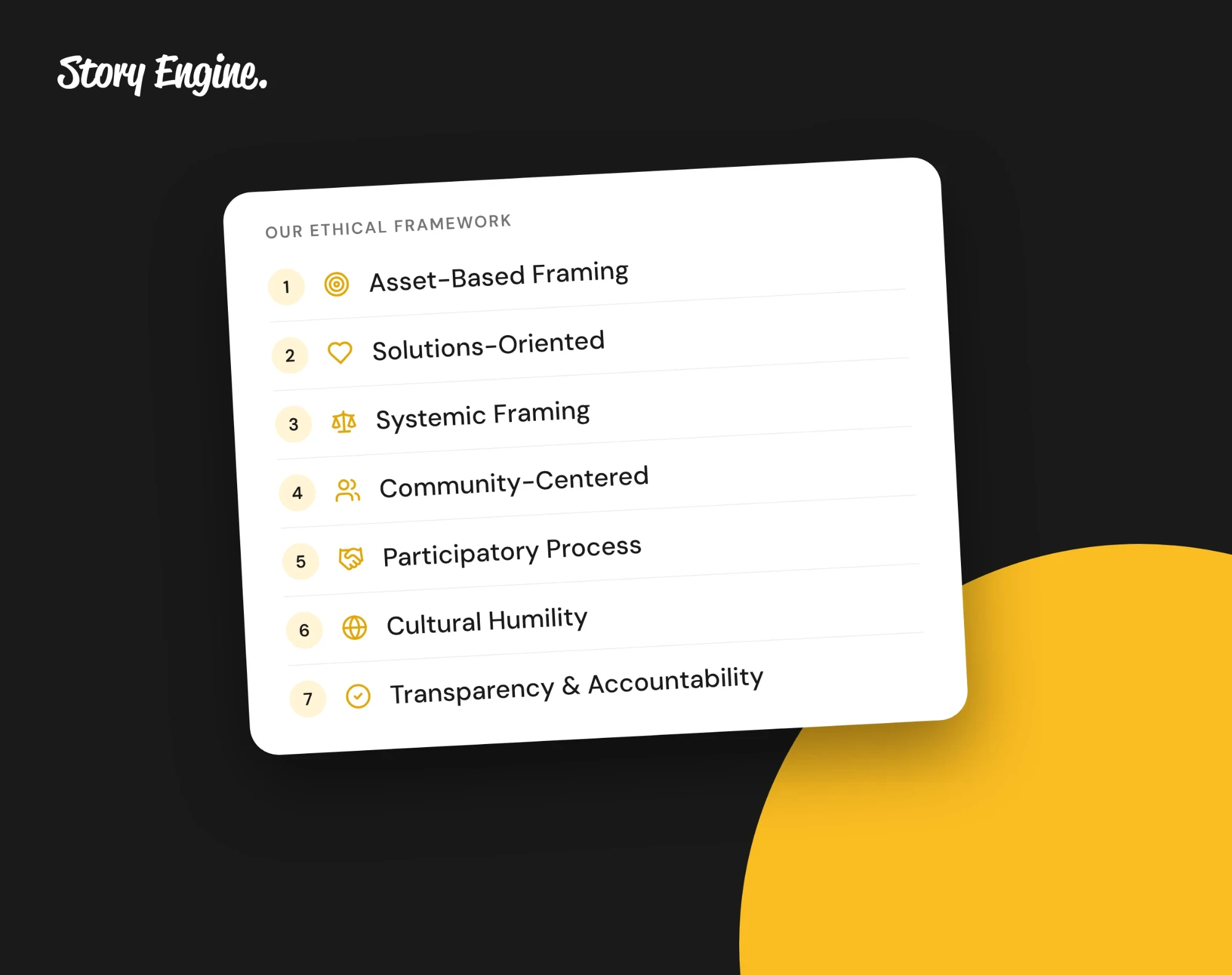
See our ethical storytelling guidelines for more on building this into your process from the beginning.
How to handle a withdrawal request in Story Engine
Story Engine records consent for every interview and gives your team a clear way to act when a storyteller changes their mind.
As long as your org maintains an account on Story Engine, storytellers can withdraw consent themselves from a link in the consent email they received when they signed. If you ever decide to leave Story Engine, every signed consent form also includes your consent contact's name and email address, so storytellers can reach your team directly.
If a storyteller contacts you directly, here is how to record and act on the withdrawal:
1. Find the interview
Go to Interviews in the left menu. Locate the interview for the storyteller who has asked to withdraw.
2. Open the row menu
On the interview's row, click the ⋯ menu. This opens a short list of actions for that interview.
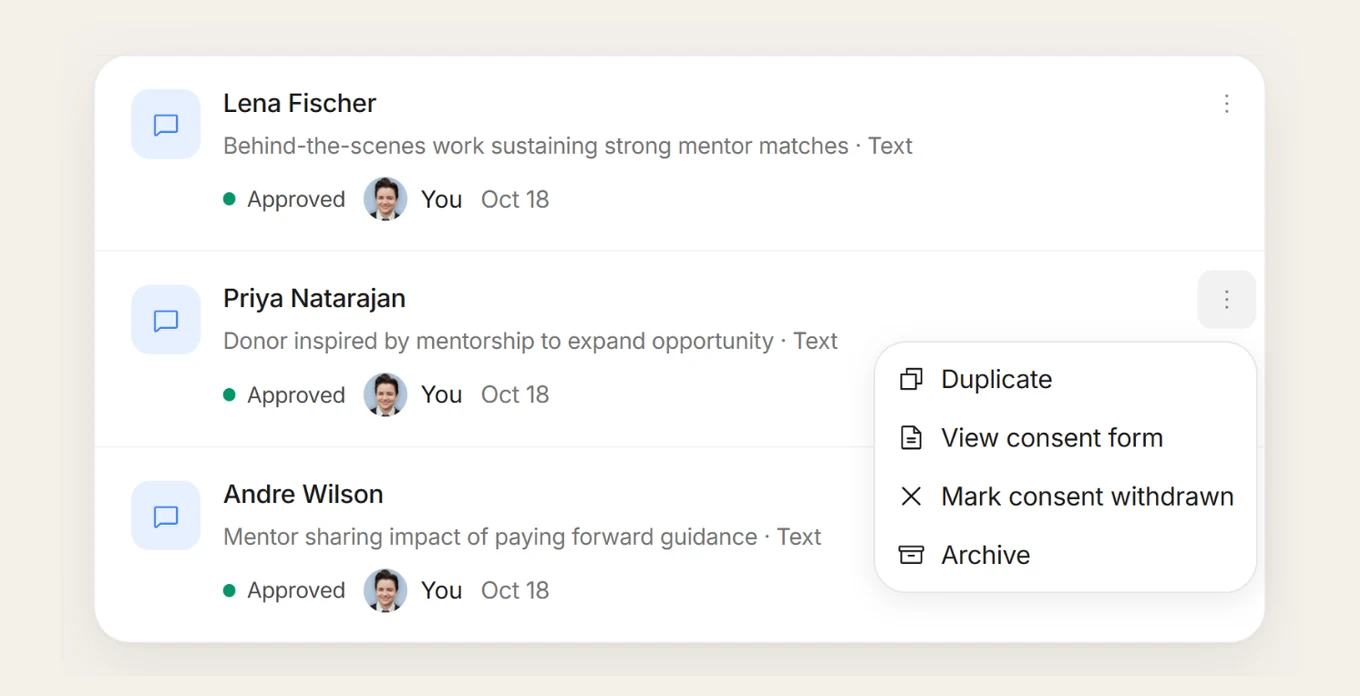
3. Mark consent withdrawn
Select Mark consent withdrawn. This records that the storyteller has taken back their consent. The interview is flagged in your system so your team knows not to use it as a source for new content.
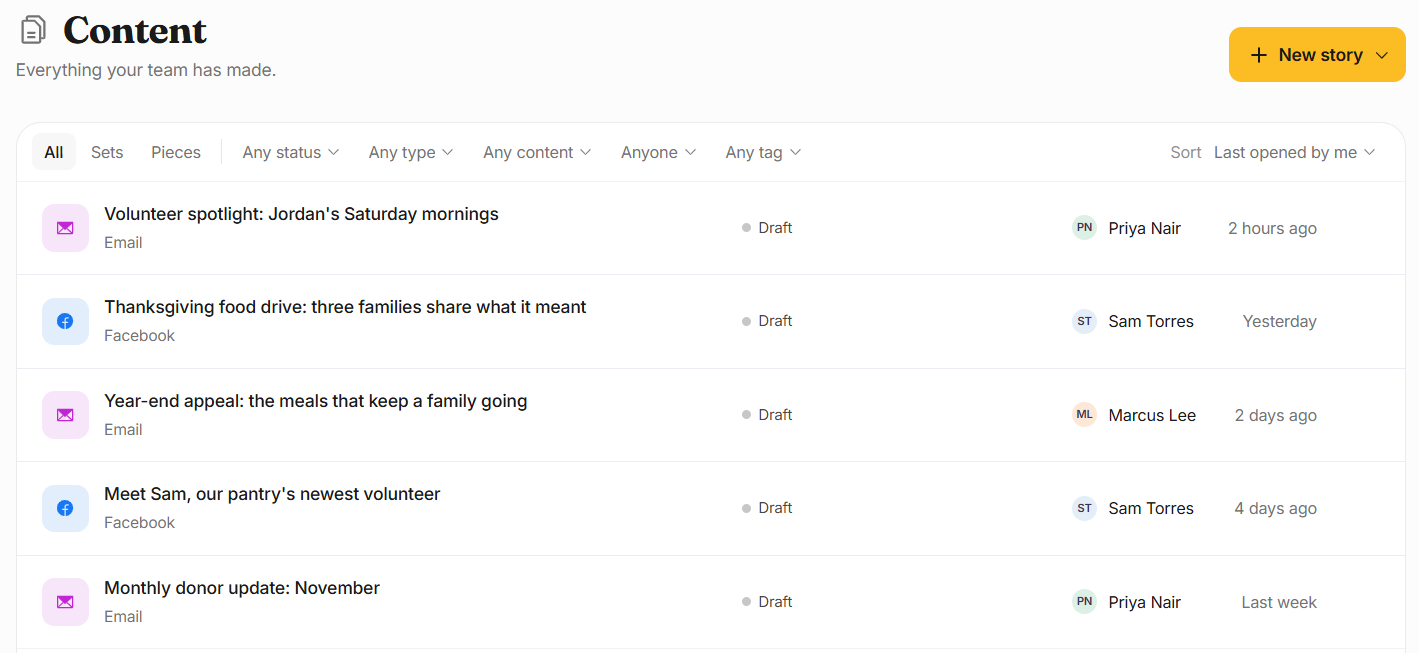
4. Remove published content
Go to Content and locate any pieces created from that interview. Remove or archive them from your channels. If you shared the content with other platforms or partners, notify them as well.
5. Update your consent contact if needed
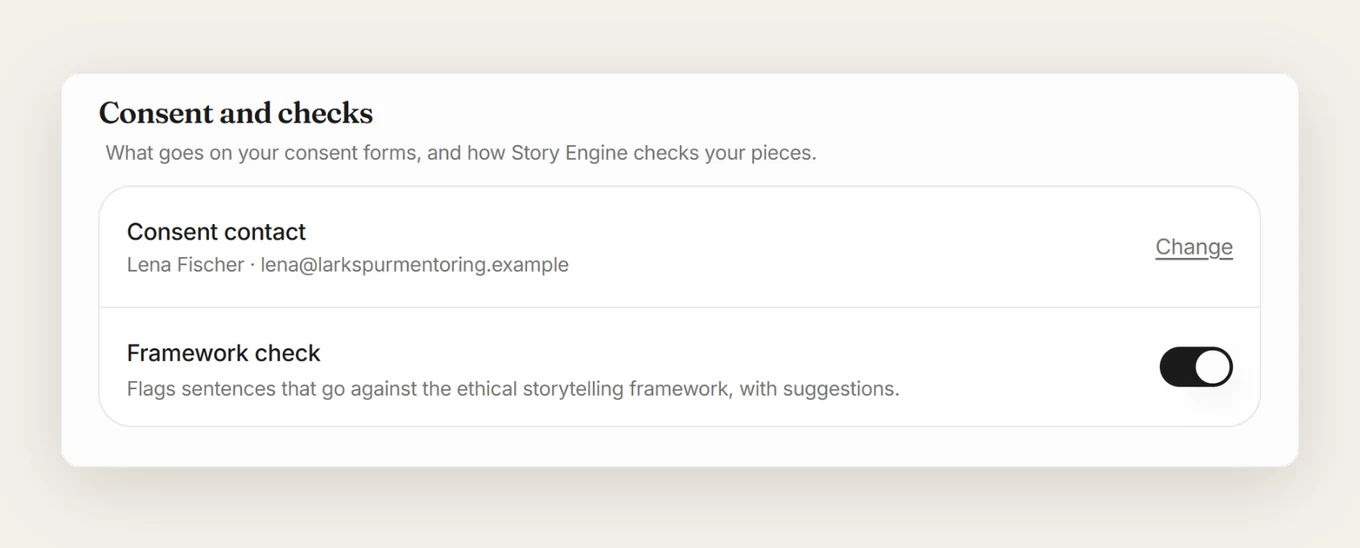
If the person listed on consent forms ever changes, go to Settings › Team and update the name and email in the Consent and checks section. This keeps future consent forms accurate so storytellers can always reach the right person.
What if you want to restore consent later?
Story Engine's interview row menu includes a Restore consent option, which asks for confirmation before restoring. Only use this if the storyteller has clearly and voluntarily agreed again. Do not prompt or pressure a storyteller to restore consent: that would undermine the principle that consent must be freely given.
Frequently asked questions
Does a storyteller have to give a reason for withdrawing consent?
No. Requiring a reason would make withdrawal harder than giving consent in the first place. Story Engine's withdrawal process, whether the storyteller uses their consent email link or your team uses Mark consent withdrawn, does not require a reason.
How long after publishing can a storyteller withdraw consent?
There is no universal cut-off date. Ethical guidelines recognize that people may withdraw consent days, weeks or years after the story was collected. You should be prepared to respond to a request at any point. Story Engine stores signed consent forms so you always have the original agreement to refer to.
What if we have already printed the story in a report?
Remove all digital materials that you can, but be honest with the storyteller upfront that printed materials already distributed, and even items shared digitally, cannot always be recalled. This is made plain to all who sign a consent form through Story Engine. If you are not using Story Engine, include this limit in your consent form.
Who should be listed as the consent contact on our forms?
Choose someone who will reliably receive and respond to messages about consent in the long-term: a program manager, communications lead or executive director. Story Engine puts this person's name and email on every signed consent form automatically, based on what you set in Settings › Team. If that person leaves your organization, update it there right away, and make sure any requests sent to an old address are forwarded to an active one.
Start with the consent form
The simplest first step is to review what your current consent form says about withdrawal. Check that it names a real person, gives their email, and explains what happens when someone asks to remove their story.
If your team uses Story Engine, confirm the consent contact in Settings › Team is current so every signed form has accurate contact details from the start.
Sources
About the authors

A nonprofit copywriter and partner at Good Creatives.

Founded the agency Good Creatives in 2015, recognized by the American Institute of Graphic Arts.