
How to Collect Stories at a Fundraiser or Event
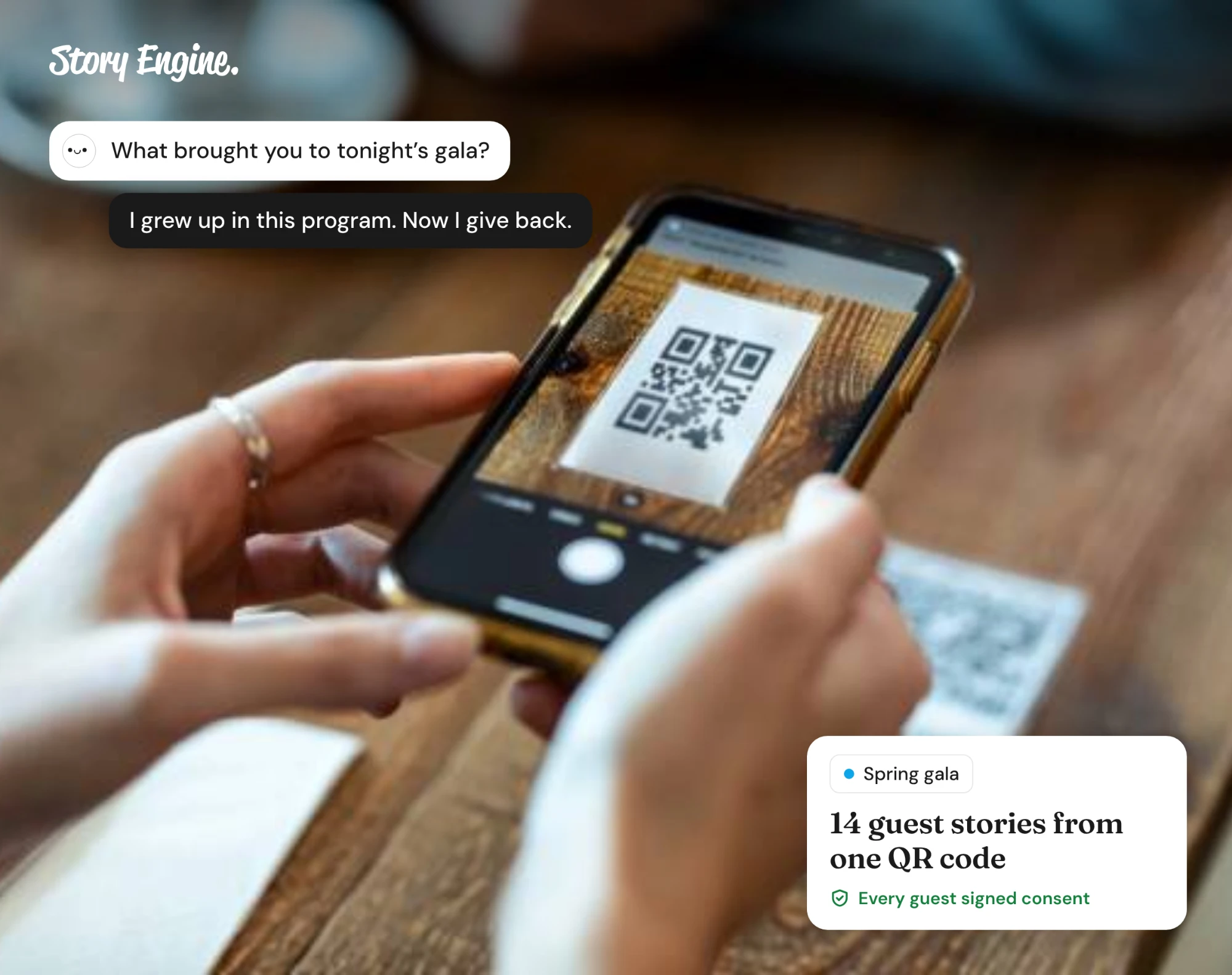
Event story collection means gathering firsthand accounts from attendees, volunteers, or program participants on the day, using whatever method fits your setup: a staffed story corner, roaming volunteers, written story cards, or a QR code linking to a form. Plan your method in advance, brief your team, and have consent sorted before anyone picks up a phone.
See how Story Engine turns event moments into ready-to-use stories.
This guide will help you plan and run story collection at a live fundraiser or community event. It covers how to choose a method, get consent right, and move what you collect into content your team can actually use.
Why collect stories at events?
Events often put you in the same room as the people whose experiences matter most: program participants, long-time donors, volunteers who showed up for years. It's a great opportunity to capture many stories from different perspectives all at once.
The challenge is that events are busy and unpredictable. If you don't plan your collection method ahead of time, the moment passes.
What method should you use?
Four approaches work well at live events, and the right one depends on your venue, your team size, and who you're hoping to hear from.
| Method | Best for | What you need |
|---|---|---|
| Story corner (phone on tripod) | Recorded video or audio | A quiet spot, a charged phone, a tripod |
| Roaming volunteer with a script | Natural conversation, shy attendees | A trained volunteer, a short script |
| Written story cards | Low-tech, accessible, multilingual | Printed cards, pens, a collection box |
| QR code linking to a form | Busy events, follow-up after the event | A printed QR code, a live form URL |
You can combine methods. For example, a QR code at the door for people who prefer to respond later, and a story corner for anyone willing to record on the night.
Keep the prompt simple. One or two questions is enough: "What brought you here tonight?" and "What would you want someone who wasn't here to understand?"
How to get consent at a live event
Consent at a live event needs to be just as clear as consent in any other setting, even when you're working quickly.
Informed consent must be freely given, and people must feel safe to withdraw it at any point, including after the event. That means making it explicit that saying no has no effect on their relationship with your organization, the services they receive, or anything else.
A few practical steps:
- Write a consent statement in plain language: what you're collecting, how it will be used, who will see it, and how they can withdraw later.
- If you're recording video or audio, get written or digital consent before you press record.
- Keep a copy of every signed consent form.
- If you're using story cards or a QR code form, include the consent statement on the card or at the top of the form.
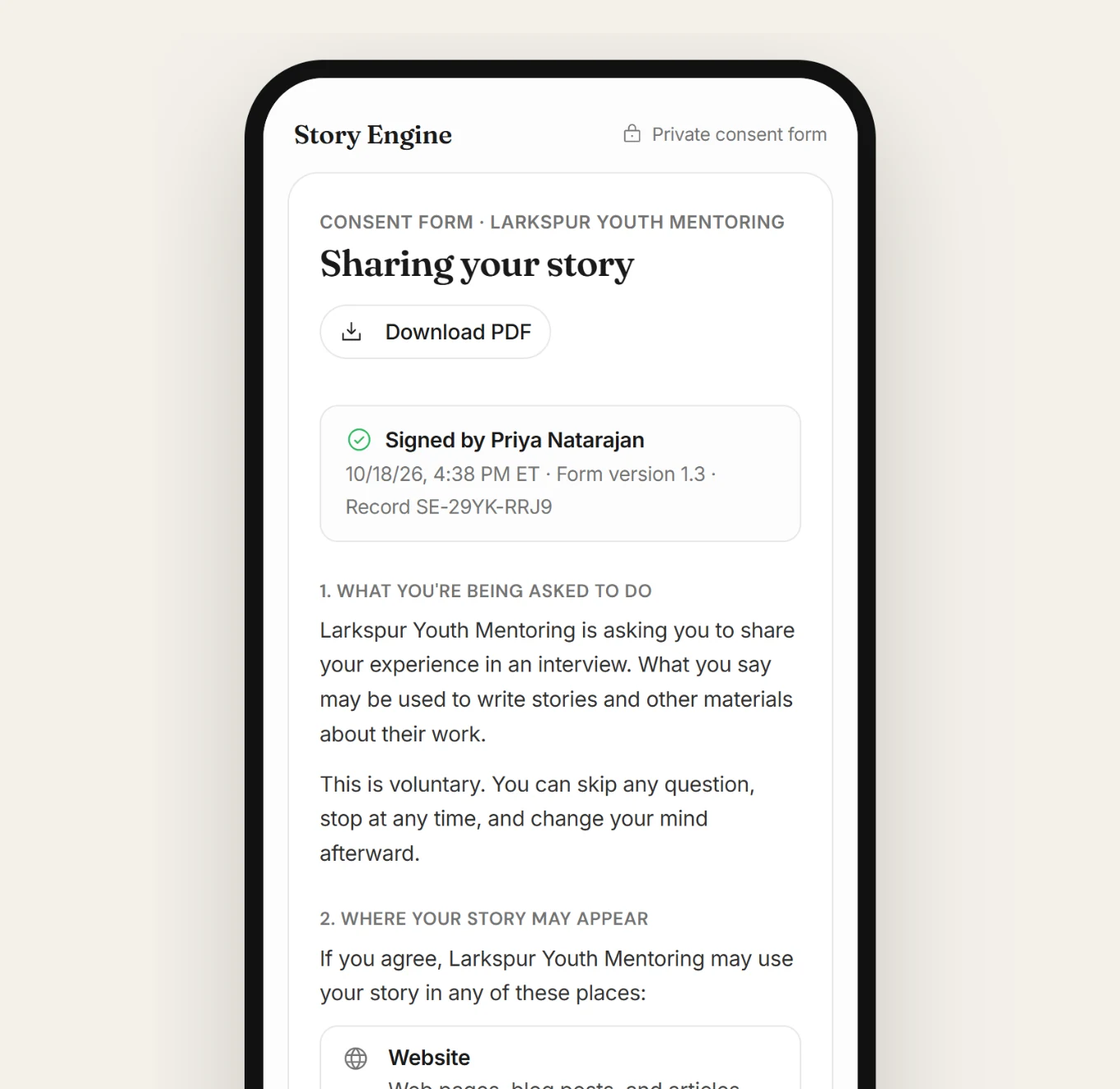
Someone who feels pressured won't tell you the story they actually want to tell. Give them space, and give them an easy out.
How to collect event stories in Story Engine
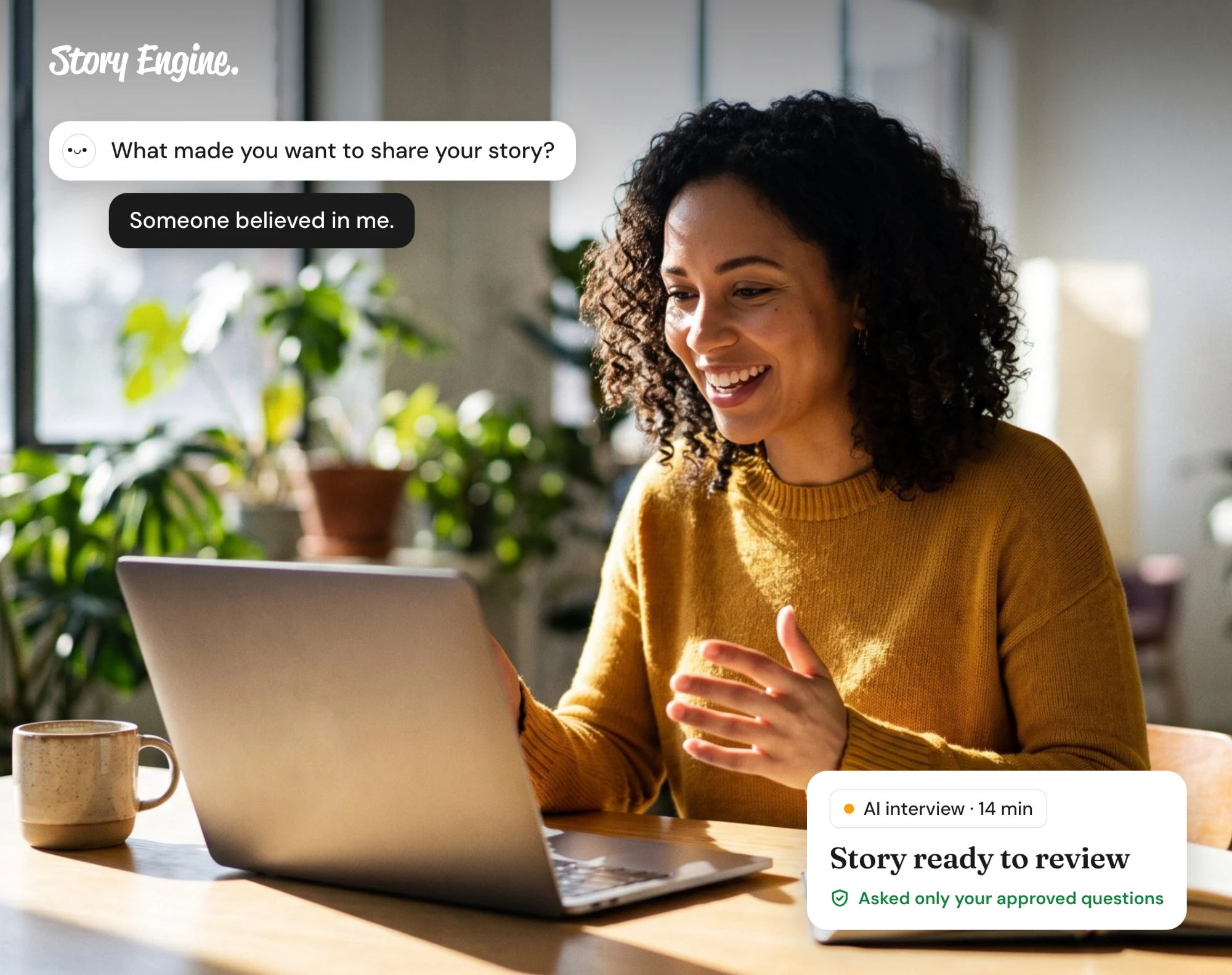
Story Engine's Moments feature lets anyone contribute a story from their phone using a shareable link or QR code, no account needed, with a consent form built in.
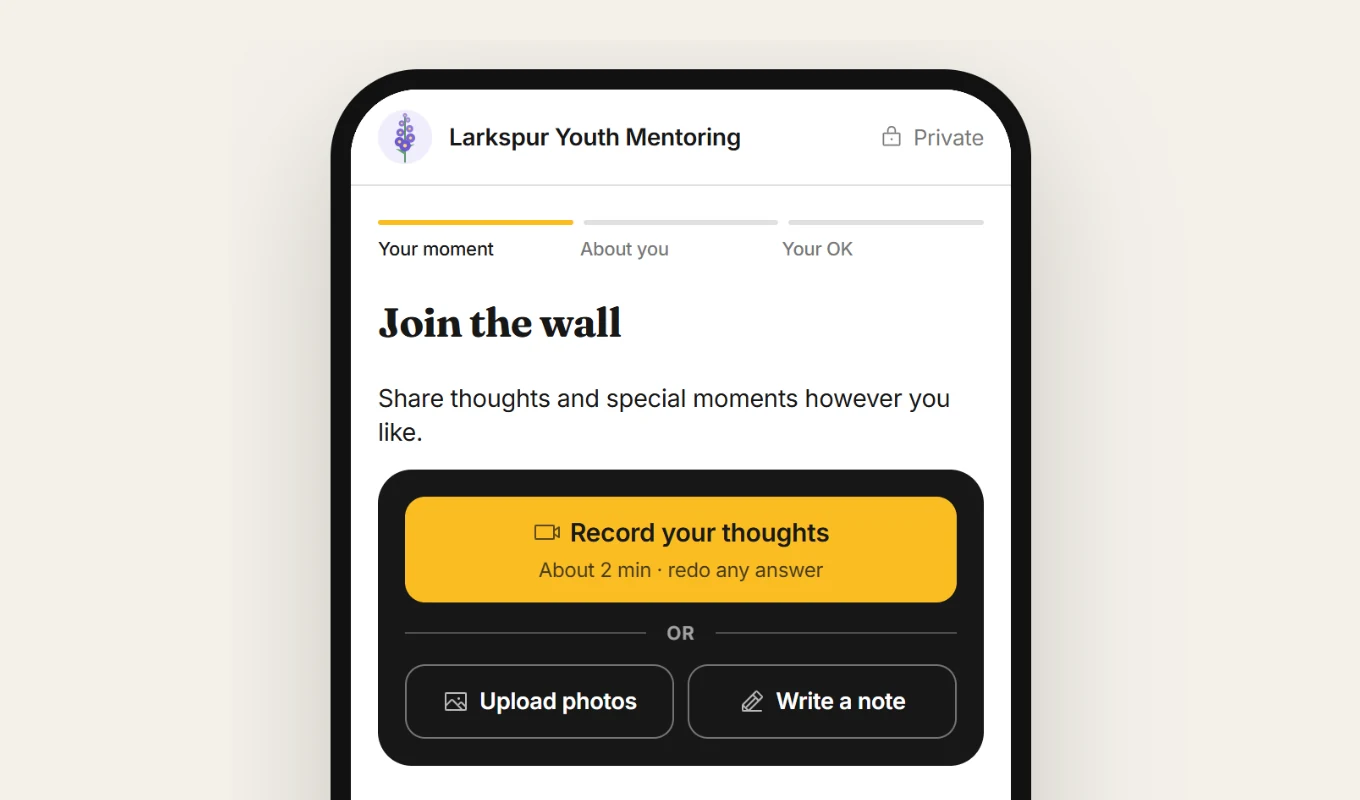
Here is how to set it up before your event:
1. Create a Moments link for your event
Go to Moments in the left menu. Click + New link in the top right. You'll be asked "Who do you want to hear from, and why?"
Describe your event and what kind of stories you're hoping to collect. Click Fill it in and Ellie will draft the page, questions, and design for you to review. The link is created immediately.
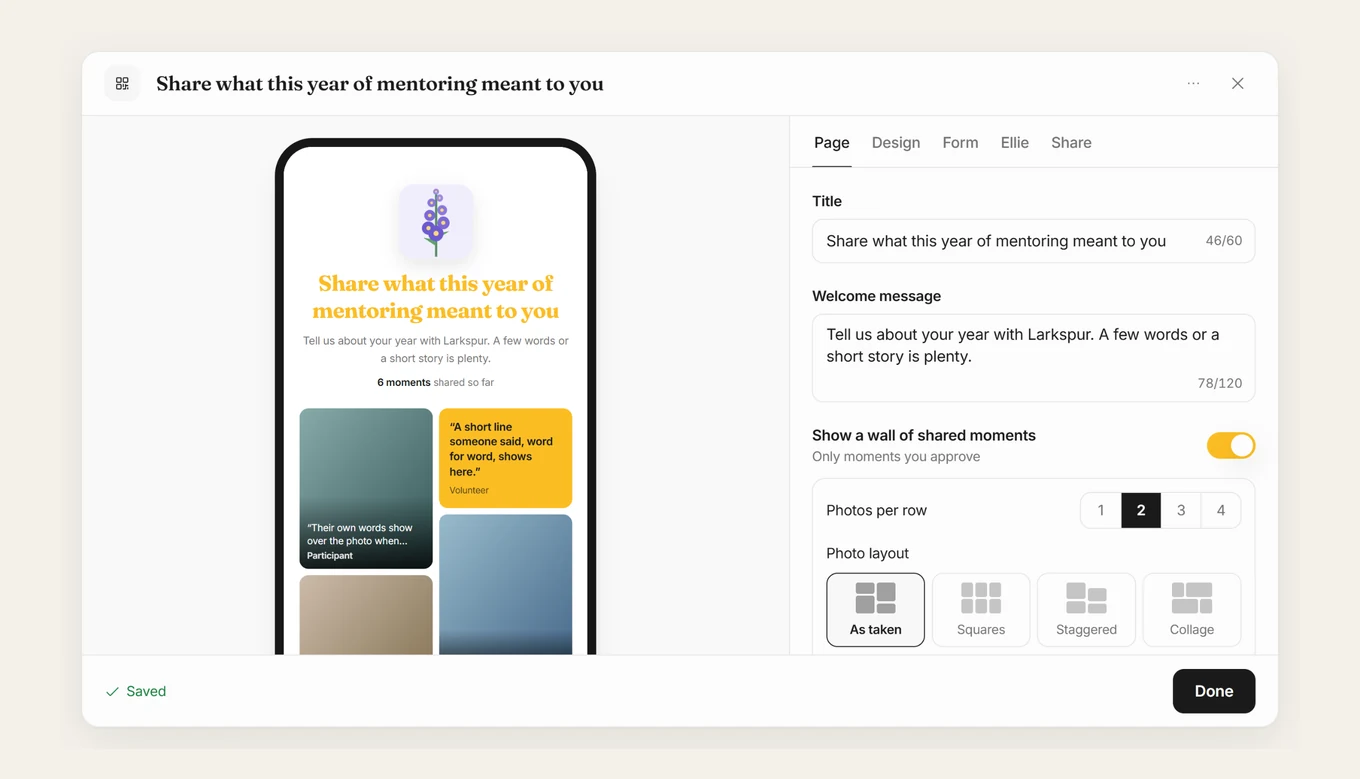
2. Connect it to your event
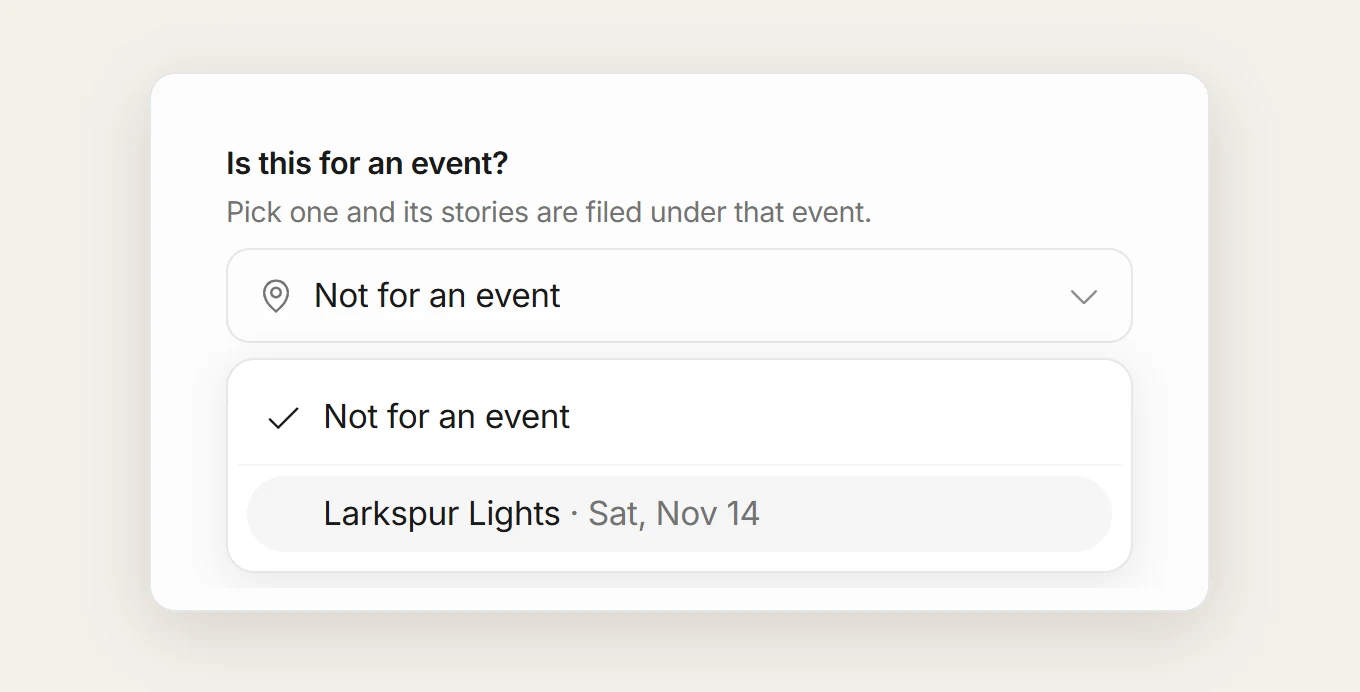
In the Share tab on the right side of the Edit window, find the event field and link your Moments page to the event it belongs to.
If you haven't created the event yet, go to Events in the menu and click New event first. You can also open the event directly and click Collect Moments to generate the link from there.
3. Set up your questions and consent
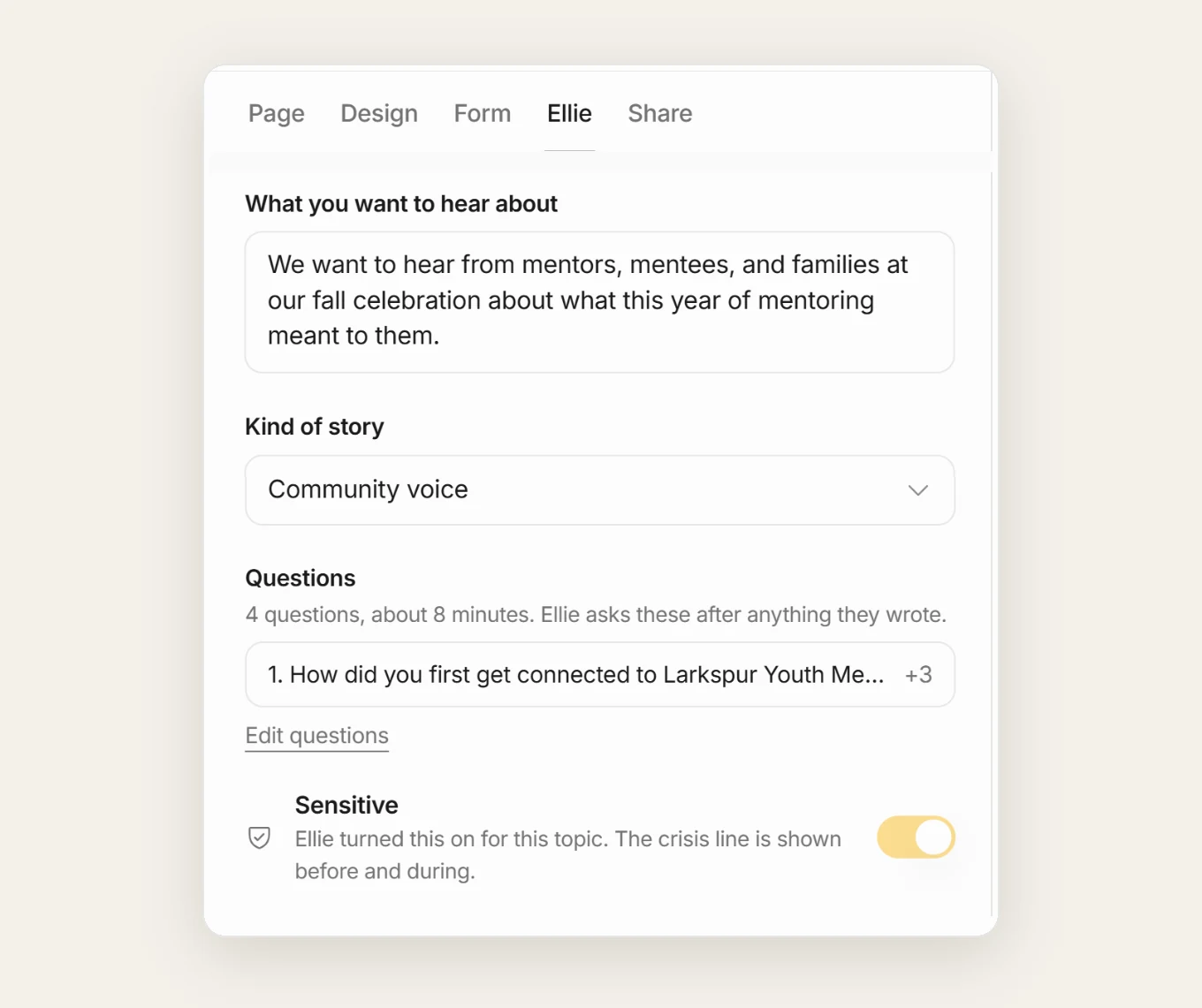
In the Ellie tab, turn on or off the "chat with Ellie" option, set what kind of story you want to hear, and add your specific questions. Keep it to two or three. The consent form is built in: every person who submits a moment signs it first, and a copy is kept automatically.
4. Get your QR codes ready
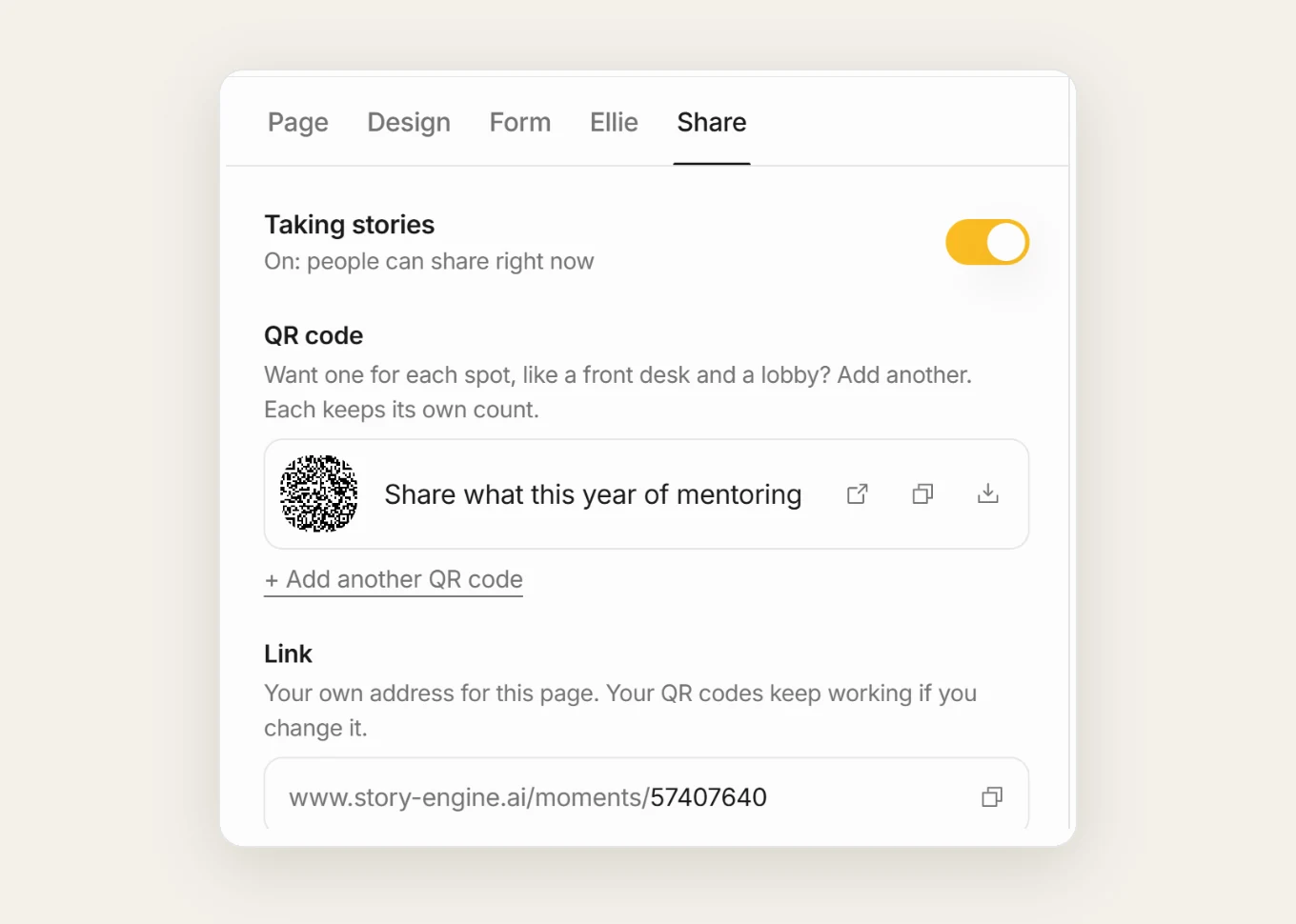
In the Share tab, find the QR codes section. Click open, copy, or download for each code. Click + Add another QR code if you want a separate code for different spots in the room. Print them large enough to scan from a distance.
5. Review and approve submissions
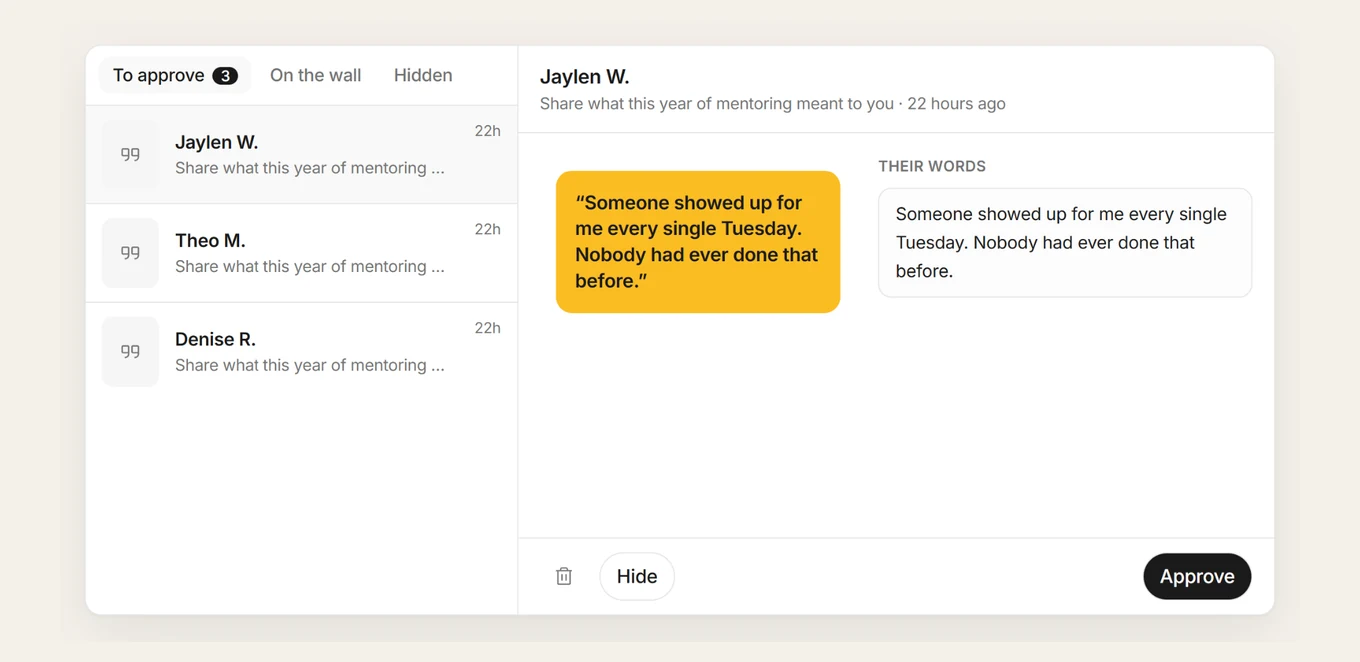
After the event, go to Moments and open the card for your event. Click Submissions to see everything that came in. Approve or hide each submission: only approved moments show on the public wall, and the person gets an email when theirs goes up. From there, use Stories in the card's menu to move what you collected into content.
How to brief your volunteers
If you're using roaming volunteers or staffing a story corner, a short briefing before the event makes a real difference.
Cover three things:
- The consent process: what to say, what to hand the person, and what to do if they say no.
- The prompt: one or two questions, written out word for word so the conversation starts the same way every time.
- What to do with what they collect: where the recordings or cards go at the end of the night.
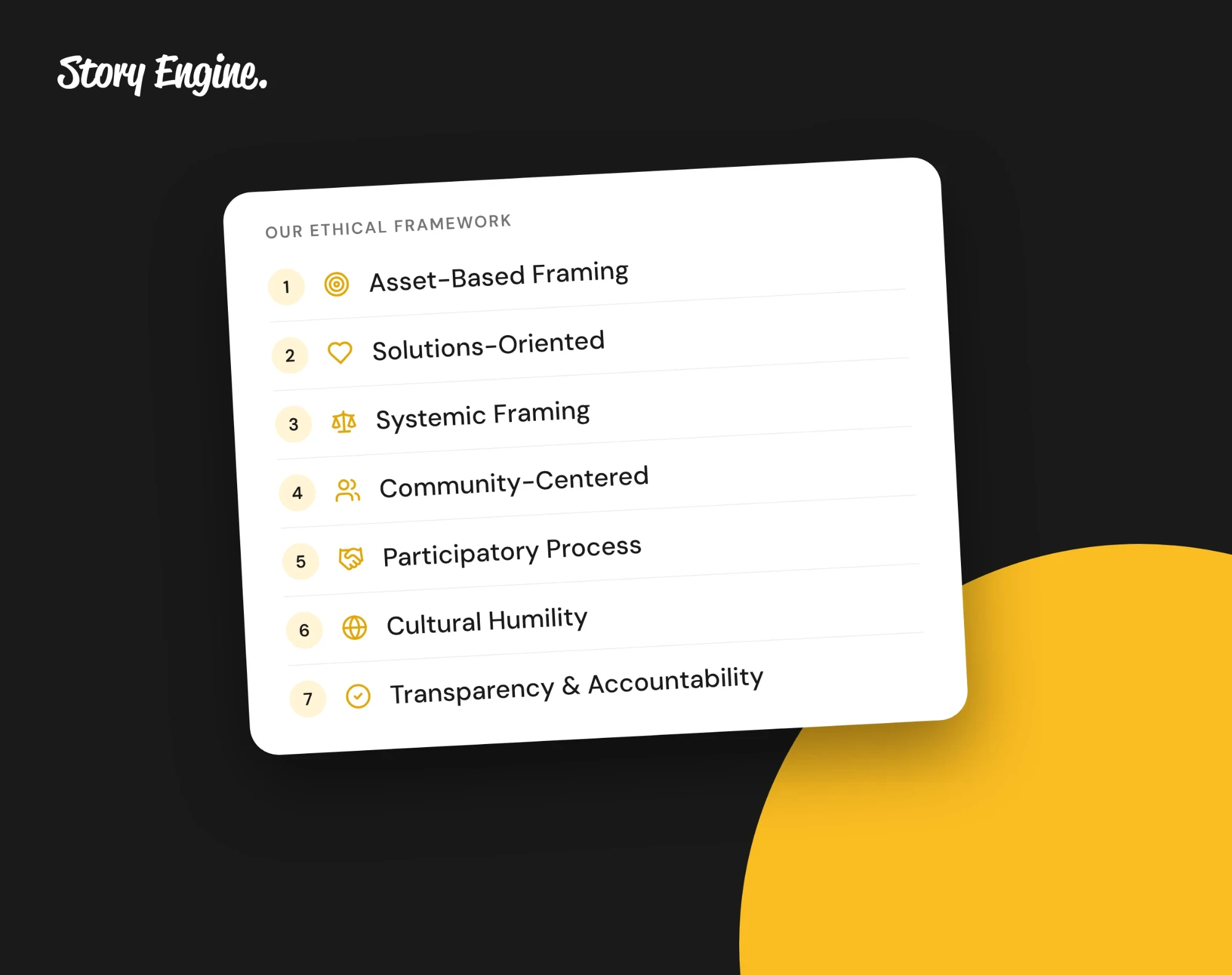
Remind volunteers that their job is to listen, not to guide the story toward a particular outcome. See the ethical framework that shapes how Story Engine approaches storytelling for the principles behind this.
Frequently asked questions
Can I collect stories at an event without video or audio recording?
Yes. Written story cards and QR code forms both work well without any recording. Story Engine's Moments feature supports text responses as well as video and phone, so contributors can type their story if they prefer.
What if someone wants to withdraw their story after the event?
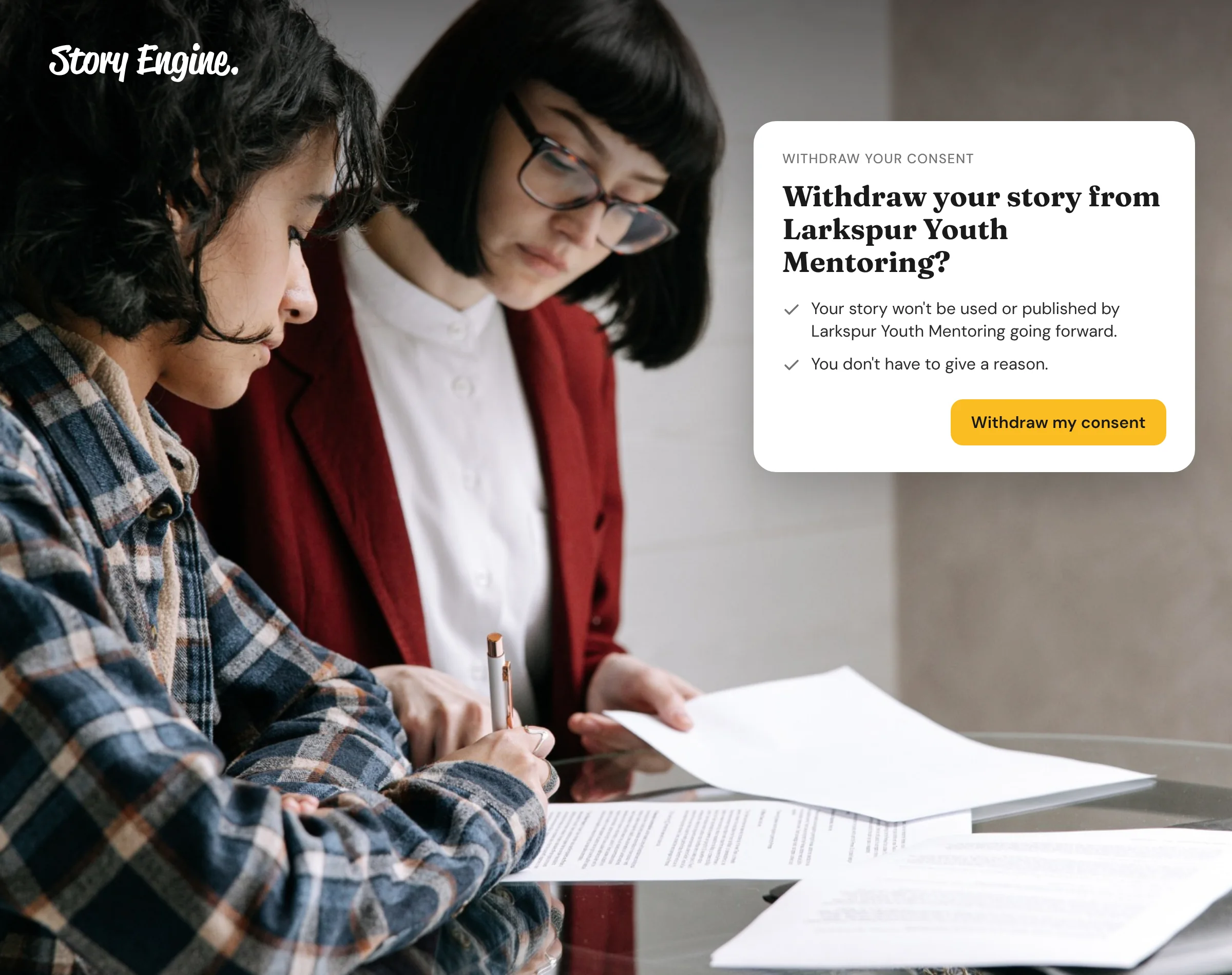
They can withdraw consent themselves from the link in the copy of their consent form that Story Engine emailed them. A team member can also withdraw consent from the interview's row menu, or restore it later if the person changes their mind.
Do I need a separate consent process for each method I use?
No. In Story Engine, everyone signs the same consent form before they share anything, whether they answer by video, phone or typing. If you also collect stories outside Story Engine, such as paper story cards or a volunteer's own recording, put your consent statement on the card or have the volunteer read it aloud before they start.
Start before your next event
The easiest first step is to create a Moments link in Story Engine and download the QR code before your event. That way, even if the story corner is busy and the volunteers are stretched, anyone in the room can contribute on their own phone.
You can review and approve what comes in the next morning. Collect your first story for free when you sign up for Story Engine.
Sources
About the authors
A nonprofit copywriter and partner at Good Creatives.

Founded the agency Good Creatives in 2015, recognized by the American Institute of Graphic Arts.