
What to Include in a Storyteller Consent Form
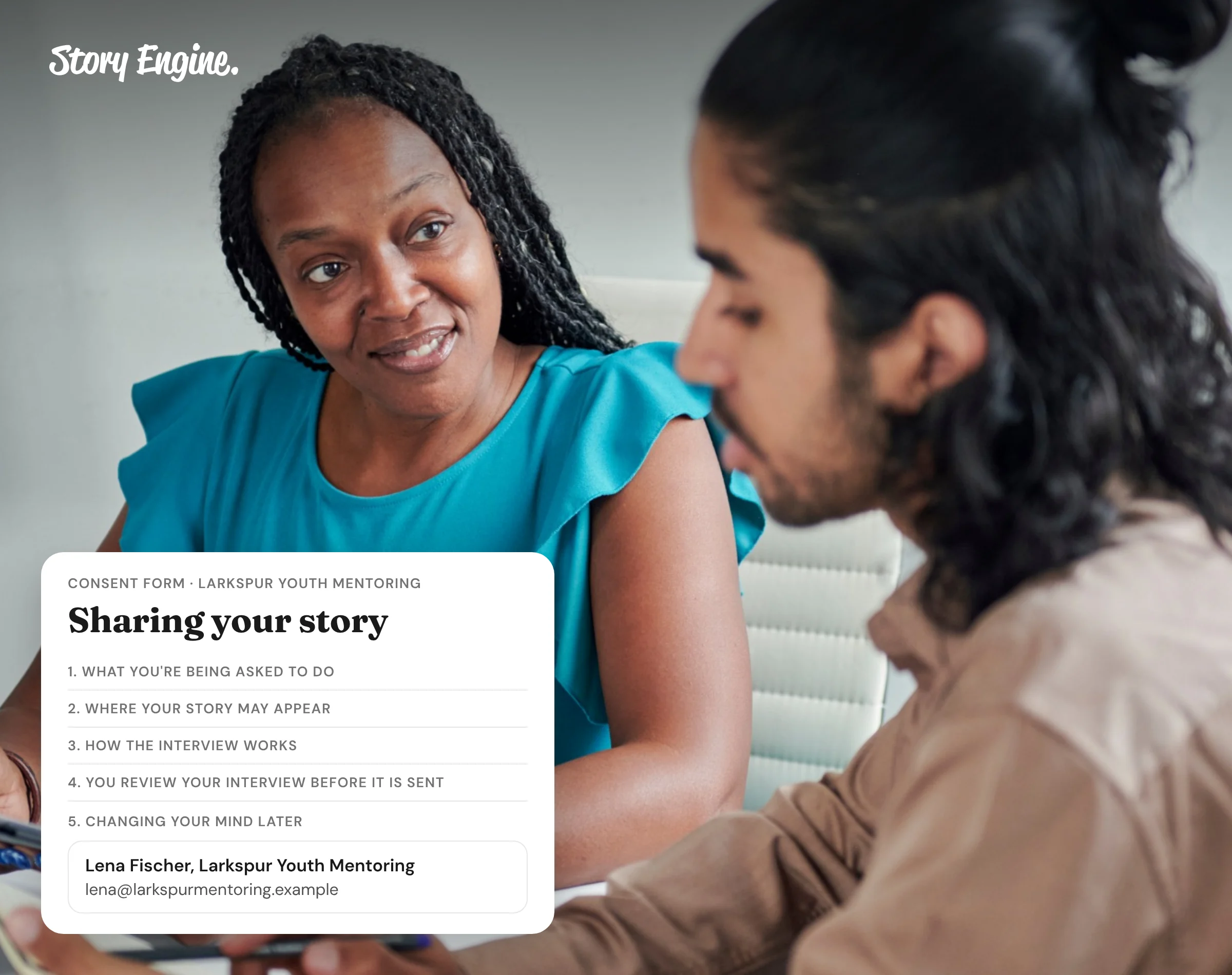
A storyteller consent form explains what will be recorded, where a story will appear, who can edit it, and how the storyteller can change their mind. Every form should name the project and a contact person, describe what is being captured, list where it will be used, how it may be edited, and provide a clear path to withdraw consent.
See how Story Engine sends and stores consent forms automatically.
This guide covers each element a consent form typically should include and how to handle consent in Story Engine.
A note before you begin
This guide is not a legal template, and it wasn't written by lawyers or safeguarding professionals. It draws on published guidance from organizations with experience in ethical storytelling, which we name throughout and list at the end.
Consent rules differ from place to place, so please have your own legal counsel or safeguarding lead review your form before you use it. That matters most when a story involves a child, someone who may not be able to give consent on their own, or a sensitive subject such as abuse, violence, serious illness, or immigration status.
Why does a consent form matter for storytelling?
Informed consent means the person sharing their story fully understands what they are agreeing to before they say yes. Bond, an international NGO network, states that informed consent must be freely given, and that the person must know how their images and stories could be used and know they have a right to withdraw at any time.
A form does two things at once: (1) it protects the storyteller by making the terms clear before anything is recorded, and (2) it also protects your organization by creating a record that consent was given.
What must a storyteller consent form include?
Each element below answers a question the storyteller has a right to ask.
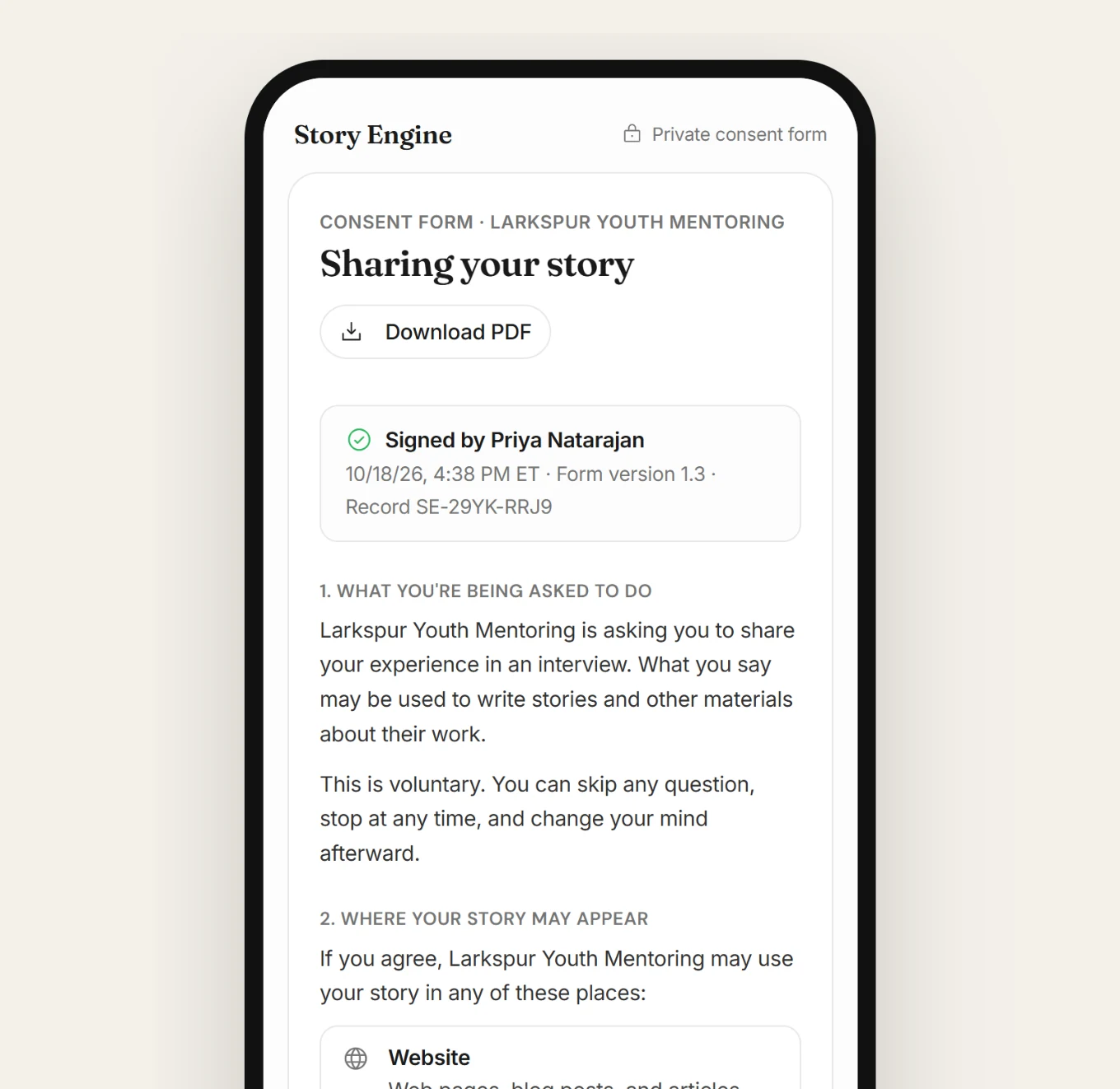
Project name and contact
Name the project or campaign the story is for. Include the name and email of one specific person the storyteller can reach with questions.
What is being recorded
Say clearly whether the session will be recorded as video, audio, or text, or some combination.
Where the story will appear
List every channel where the content may be used: website, social media, email newsletters, annual reports, grant applications, event presentations. Who Tells the Story puts it plainly: communicate where, how, and why the organization wants to share this story, and who will see or hear it.
Editing rights
Explain that the story may be shortened or lightly edited for length and format. If the storyteller will have a chance to review the content before it is published, say so. If they won't, say that too.
How to withdraw consent
The storyteller must be able to say no after saying yes. Make the withdrawal process simple and name the contact again here. Bond's guidance states that how to withdraw must be made very clear, and that participants should be left with a name and contact to reach.
One honest note that is important to share with the storyteller: once content has been shared publicly, you can remove it from your own channels, but you cannot guarantee it has not been saved or reshared elsewhere. Some organizations consider sunsetting photos and stories after a period of time, such as three or five years, so storytellers understand the limits.
How to manage consent in Story Engine
Every interview in Story Engine has a consent form attached before recording begins. No one can submit their answers until they have signed.
Here is how to set it up and manage it:
1. Set your consent contact
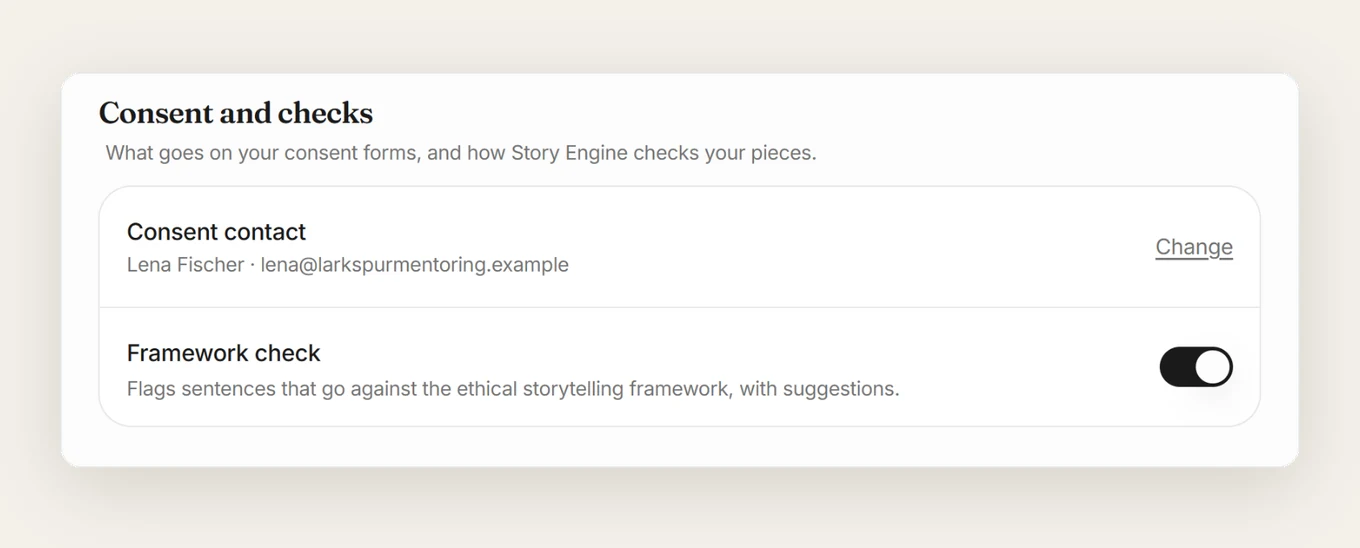
The first time you send an interview, Story Engine prompts you to name a consent contact. This is the person whose name and email appear on every signed form. You can update it later under Settings › Team, in the Consent and checks section.
Storytellers can always withdraw consent from within Story Engine itself, unless your team decides to leave the platform. In that case, the consent contact is saved on every consent form so storytellers always know who they can contact in the event their Story Engine withdraw link no longer works. So make sure your consent contact will work long-term.
2. Send the interview invite
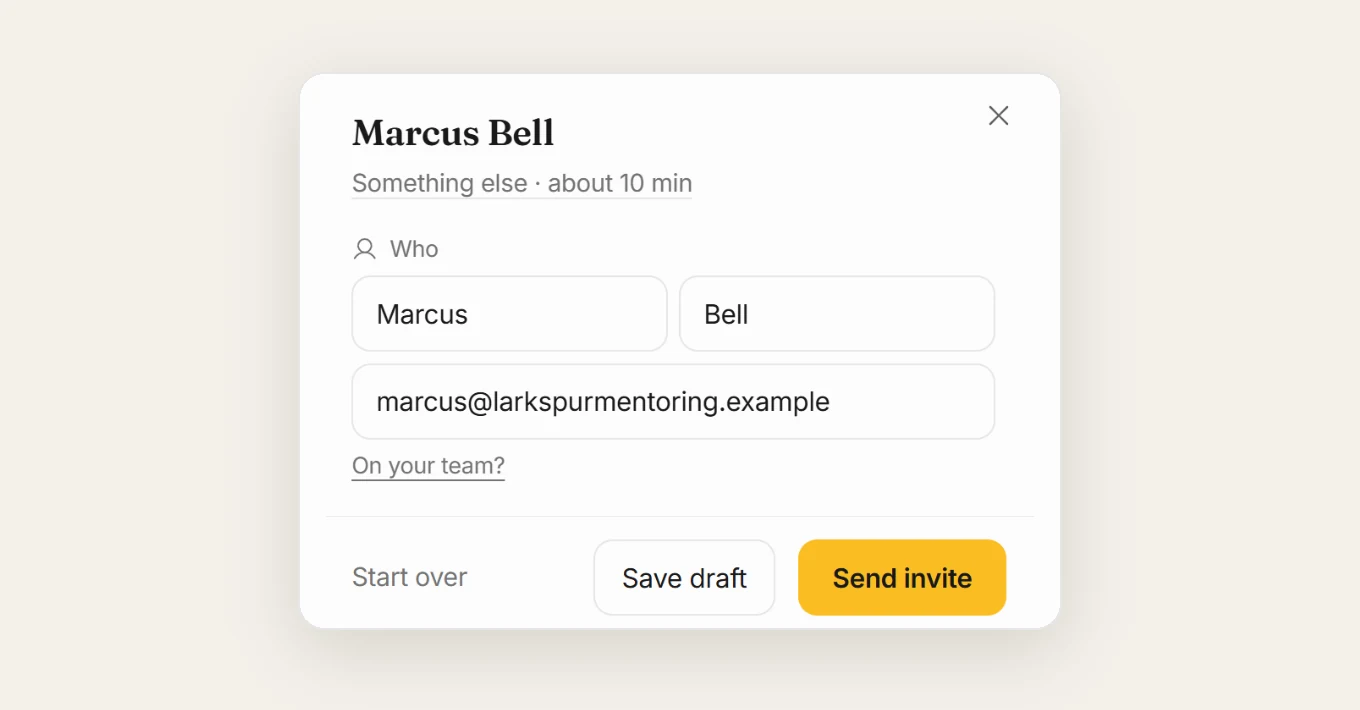
Go to Interviews and select New interview, then From one person. Write who you want to hear from and why, then press Fill it in. Review the questions and the contact details on the right. When you're ready, press Send invite.
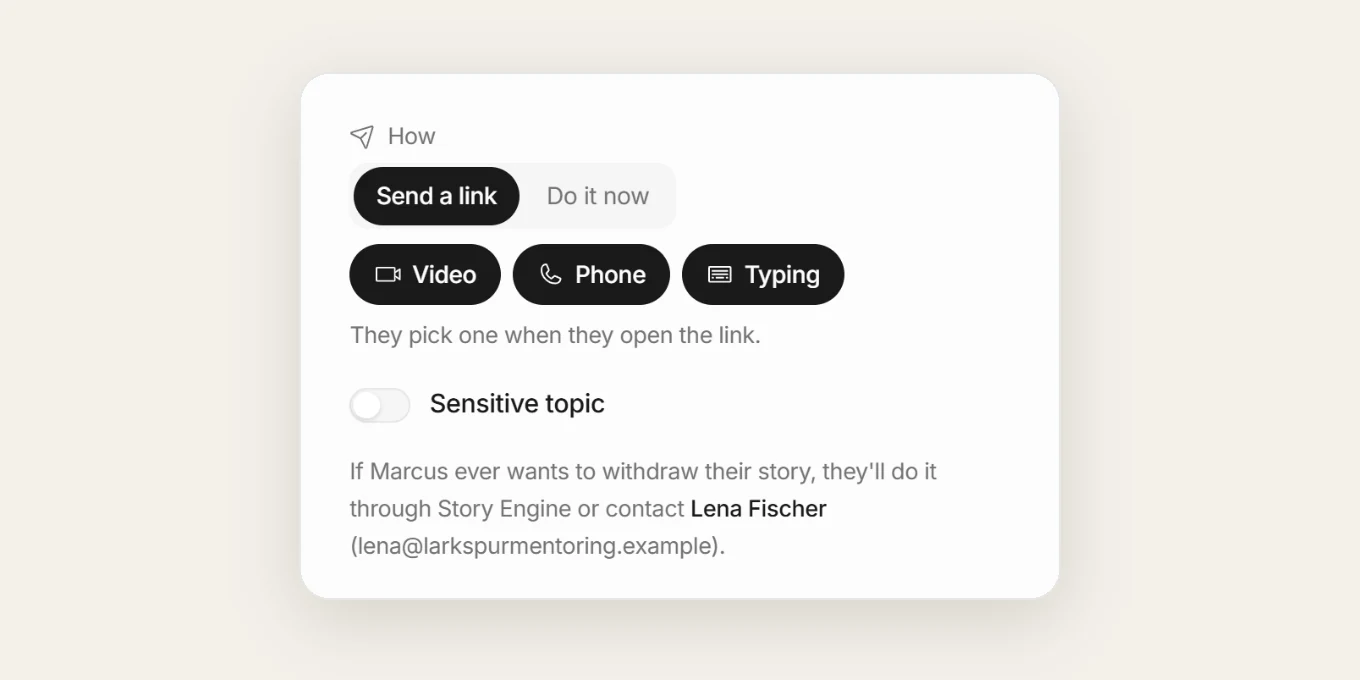
3. Check the sensitive topic switch
On the interview setup page, look for the Sensitive topic switch. Story Engine turns it on automatically for certain topics, but you should always double-check. When it is on, the 988 Lifeline and the Crisis Text Line are shown to the storyteller before and during the interview.
4. View a signed consent form
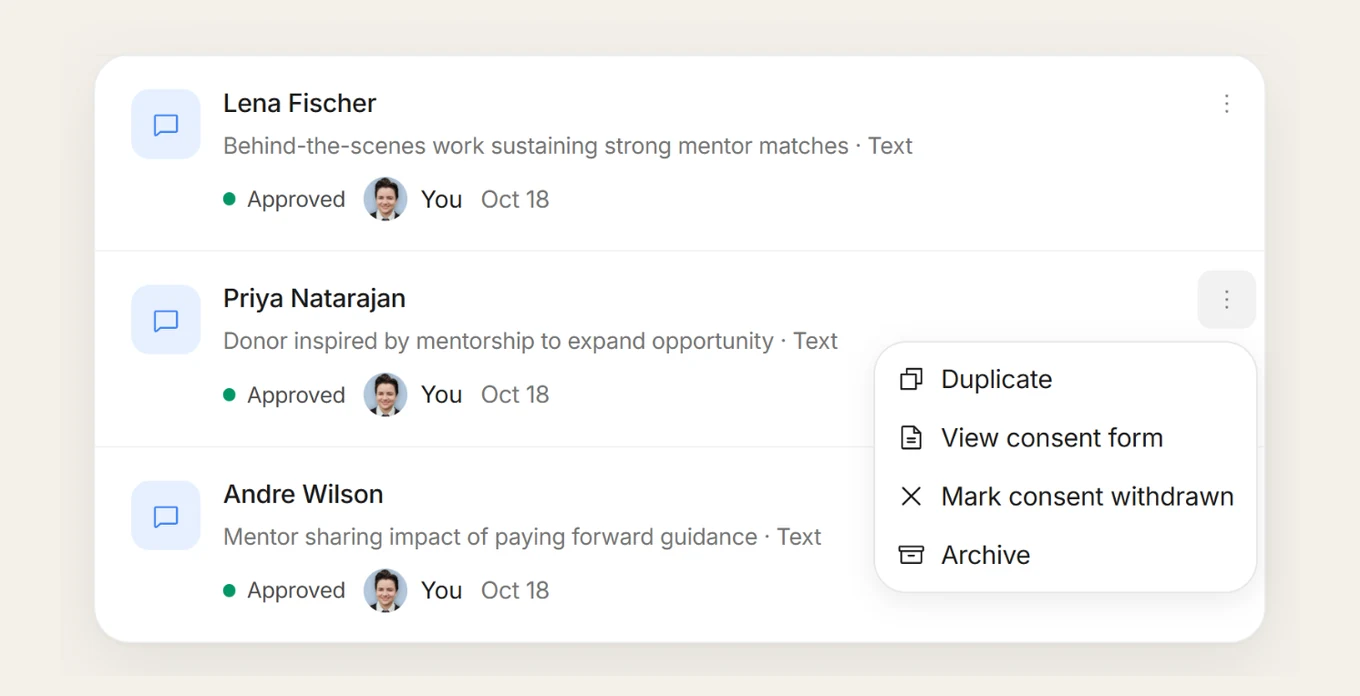
After an interview is complete, open Interviews and find the row for that person. Select the ⋯ menu on their row, then choose View consent form.
5. Handle a withdrawal request
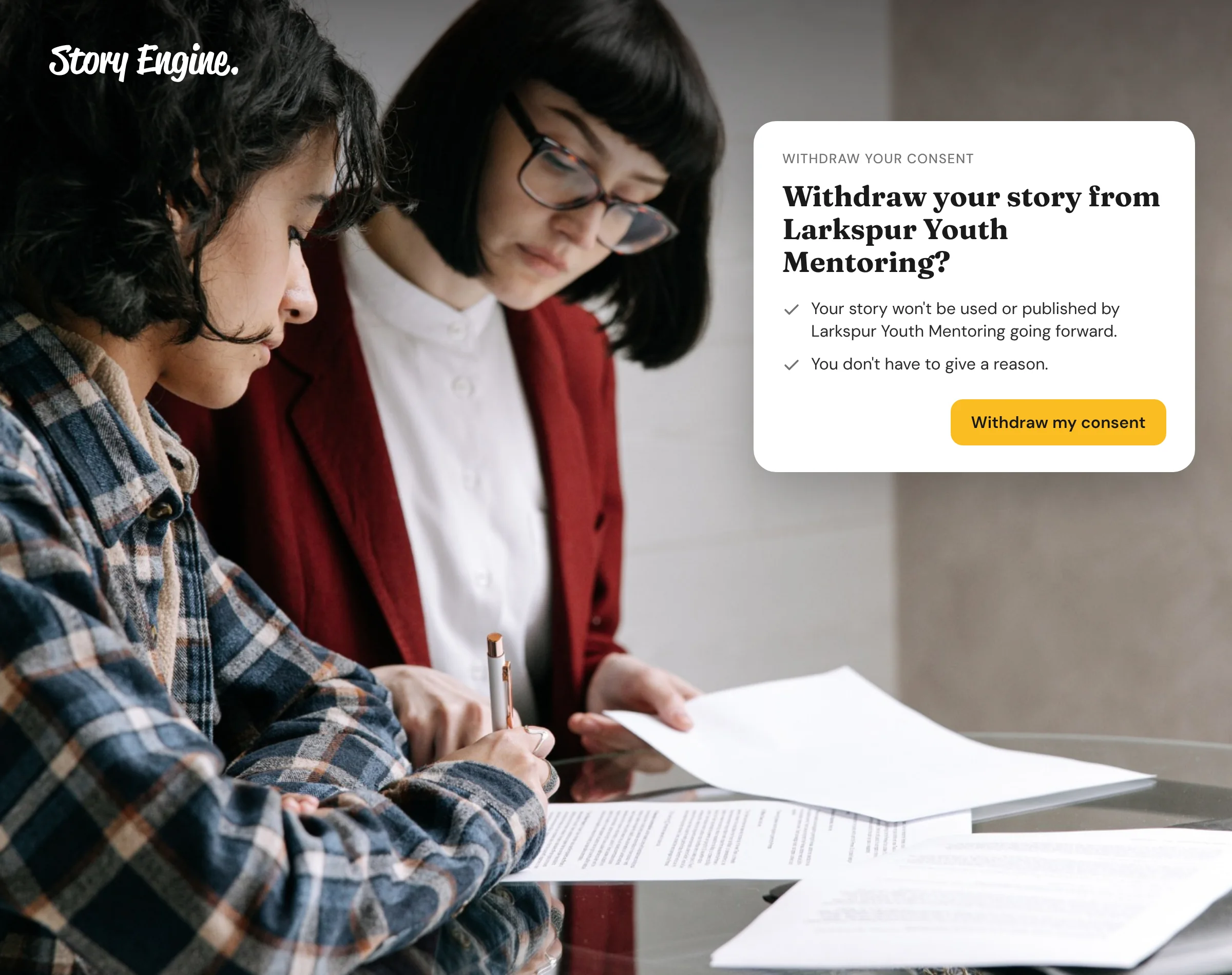
If a storyteller wants to withdraw, they can do it themselves from the link in the consent email they received. A team member can also open the ⋯ menu on the interview row and select Mark consent withdrawn.
If the person later changes their mind, Restore consent is available in the same menu, and Story Engine will ask you to confirm before restoring it.
How should you think about consent over time?
A signed form is a starting point, not a permanent lock. Storytellers' situations change. Some organizations set a review period, for example three or five years, after which older stories are retired or the storyteller is re-contacted. This is especially worth considering for stories involving health, housing, immigration, or anything else that could affect someone's reputation or safety.
Keep your consent contact current. If the person named on signed forms leaves your organization, update Settings › Team so there is always a real human behind that contact.
Frequently asked questions
Does every interview need a signed consent form?
Yes. In Story Engine, the consent form is attached to every interview and must be signed before the storyteller can begin. There is no way to skip it, which protects both the storyteller and your organization.
Can a storyteller withdraw consent after their story is published?
Yes. A storyteller can withdraw consent from the link in their consent email, or a team member can use the ⋯ menu on the interview row in Story Engine to select Mark consent withdrawn. Some storytellers won't ask you to remove copies already shared elsewhere, and that's their choice. Regardless, you should immediately stop using the story and make every attempt to remove anything already shared if it is requested. For a step-by-step walkthrough of what to do when that happens, see how to handle consent withdrawal after publishing.
Who should be listed as the consent contact?
Name someone who monitors that inbox and can respond quickly, and in the long term. We recommend a permanent email address such as communications@yourorg.example. In Story Engine, the consent contact's name and email appear on every signed form. You set or update this under Settings › Team in the Consent and checks section.
Do we need separate consent for photos taken at events?
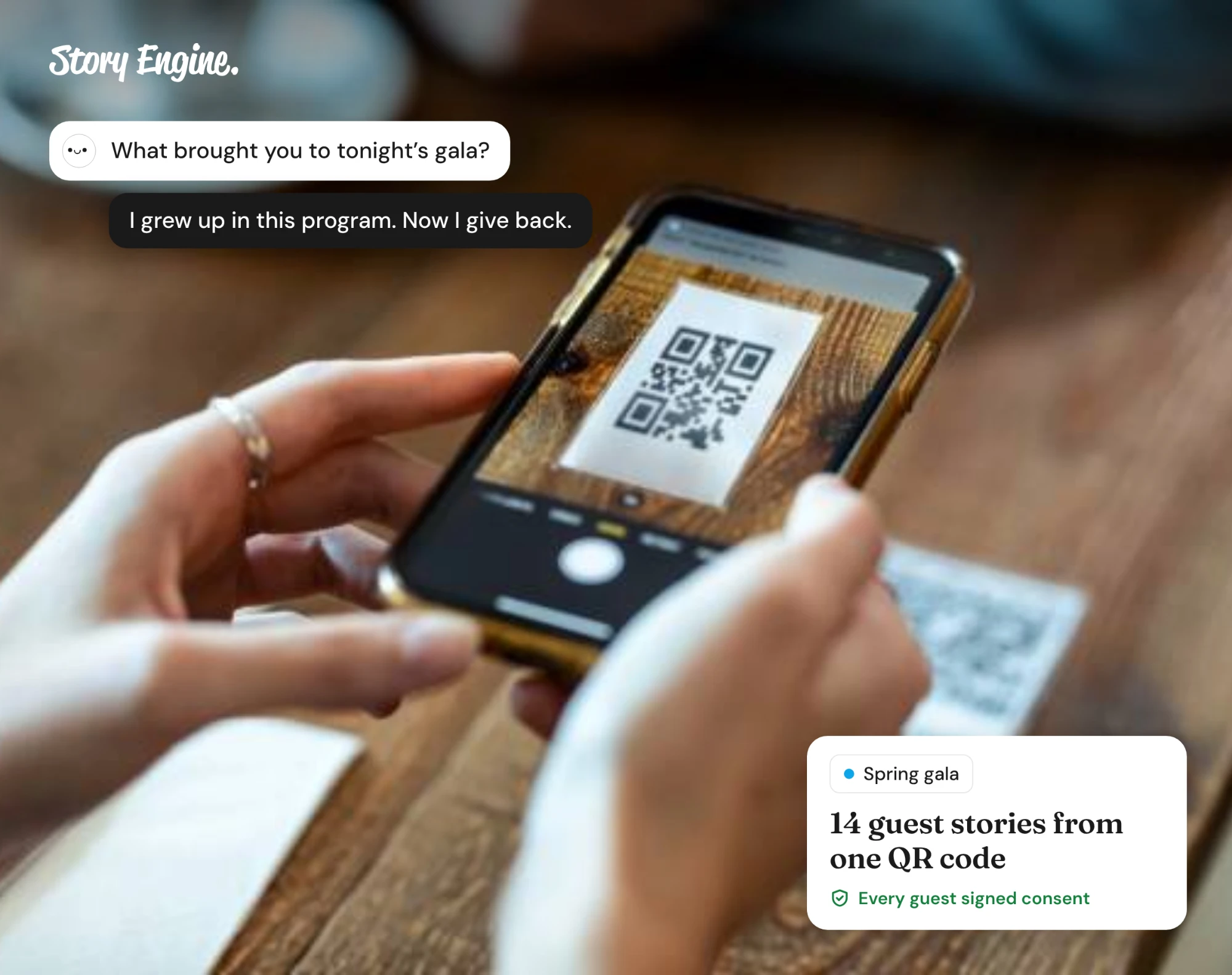
If photos are collected separately from an interview, they should have their own consent process. Story Engine's Moments feature includes a short consent form that anyone can sign before sharing photos or a story, using a link or QR code you set up in advance. See how to collect stories at events for more on this.
Start with a consent form that works
Pick one upcoming interview and use the checklist in this guide to make sure the form covers all five elements: project and contact, what is recorded, where it will appear, editing rights, and how to withdraw. If you use Story Engine, check that your consent contact is set correctly under Settings › Team before you send the next invite.
Sources
- Consent collection for ethical storytelling, 2025
- Putting the people in the pictures first: Guidelines for the ethical use of images and stories, 2024
- Informed Consent and Storytelling: 8 Things to Make Sure You Talk About — Who Tells the Story?
- Consent is a Process, not (Just) a Form - Philanthropy without Borders, 2022
- Informed consent: why conversations are crucial, 2019
About the authors
A nonprofit copywriter and partner at Good Creatives.

Founded the agency Good Creatives in 2015, recognized by the American Institute of Graphic Arts.