
How to Turn One Interview Into a Newsletter, Email, and Report
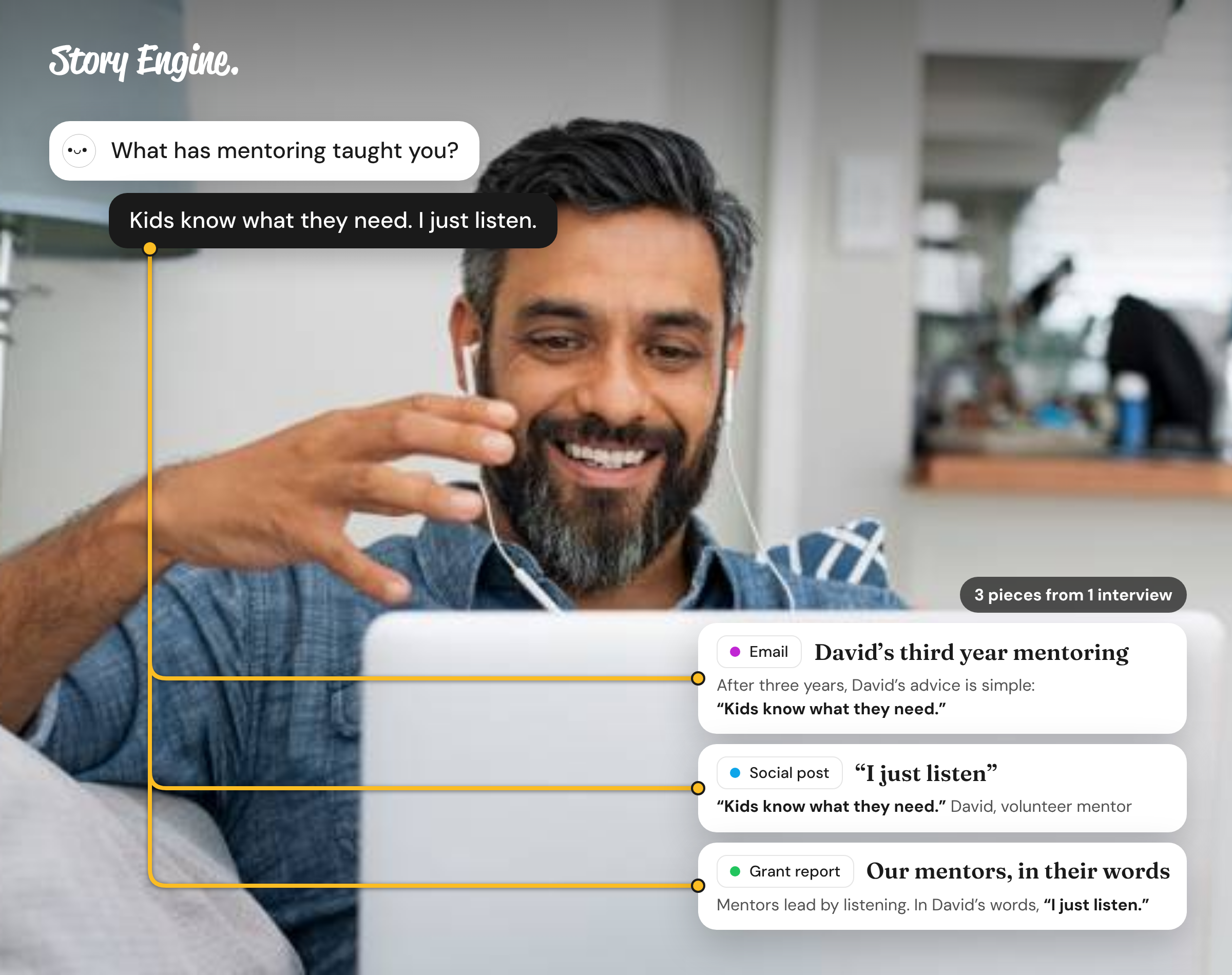
To repurpose one interview into several pieces of content, start with a source sheet: a single clean document that holds the key quotes, facts, and context from that interview. Build it once from the transcript, then draw from it to write a newsletter, a donor email, and a grant report, each in the right tone and length.
See how Story Engine turns one interview into every format.
This guide walks you through cleaning a transcript, building a source sheet, and adapting the material for a newsletter, a donor email, and a grant report, so you get three distinct pieces from a single interview without repeating cleanup work each time.
What is a source sheet, and why does it matter?
A source sheet is a short working document you build once from a cleaned transcript. It holds the raw material for every piece you'll write from that interview: direct quotes, concrete facts, context about the person, and the moment in the story that shows change.
A good source sheet has four sections:
- A one-paragraph summary of who the person is and what their situation was before
- Three to five direct quotes, lightly cleaned for readability, with the original words kept as close as possible
- Two or three concrete facts or outcomes mentioned in the interview
- A note on tone: what the person seemed proud of, worried about, or hopeful for
Keep the source sheet in a shared folder next to the transcript so anyone on the team can use it.
How to clean a transcript and pull what you need
Raw transcripts are rarely usable as-is. Before you build the source sheet, do one pass to make the material workable.
First, remove filler words only where they would distract the reader. Do not change the meaning or the person's voice. If you are unsure whether a cut changes the meaning, leave the original.
Second, mark every place where the person describes a before-and-after: a situation that changed, a problem that eased, a moment they named as a turning point. These are your most useful quotes.
Third, note anything the person said they did not want shared. Those moments stay out of every piece you write.
Once the transcript is clean, build the source sheet. This is the only time you need to do deep cleanup. Every piece you write from here draws from the sheet, not the raw file.
How to adapt one source sheet for three different formats
The same material sounds different depending on who is reading it and what you need them to do. Here is how the three formats differ:
| Newsletter | Donor email | Grant report | |
|---|---|---|---|
| Primary reader | General supporters | Donors who gave | Funder or program officer |
| Tone | Warm, narrative | Personal, grateful | Precise, evidence-focused |
| Best quote type | A vivid moment | An expression of gratitude or change | A factual outcome |
| Ideal length | 200 to 350 words | 150 to 250 words | One to two paragraphs in a larger section |
Newsletter: Open with the person's situation before the change, then move to what shifted. Use the quote that best captures how they felt. End with a brief note connecting their story to your mission.
Donor email: This reader gave money. They want to know their giving made a difference. Lead with that connection directly. Use a quote that names specific change, then one sentence that links the gift to the outcome. Keep it short.
Grant report: Funders read for evidence. Use the concrete facts from your source sheet here, with the quote as supporting detail rather than the lead. Name the outcome, then use the person's words to make it real. Be specific.
How to turn one interview into multiple formats in Story Engine
Without a tool, this is where the manual work starts: copying the transcript, cleaning it up and pulling quotes by hand. In Story Engine, the interview stays attached from start to finish, so there's nothing to copy or move.
1. Set up the interview
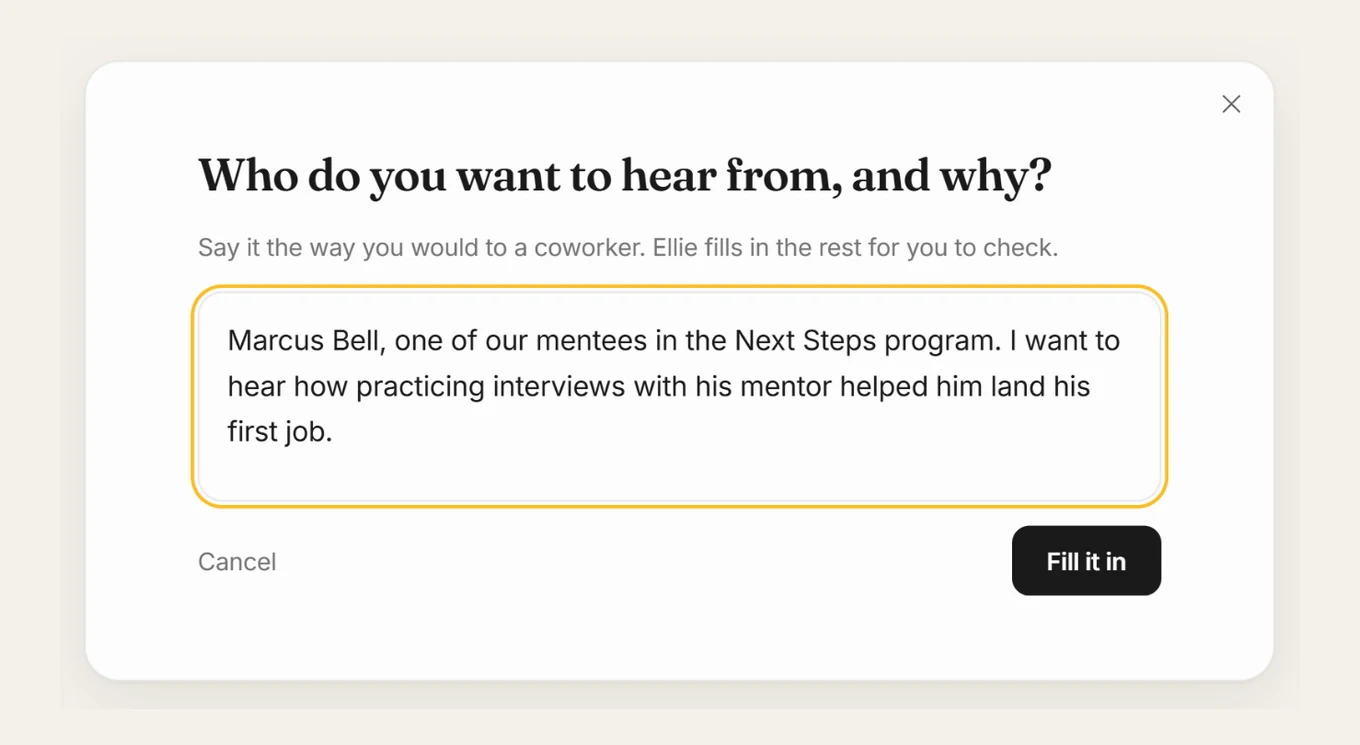
From the menu, go to Interviews, select New interview, then From one person. Describe who you want to hear from and why, press Fill it in, and edit the suggested questions or use Add question.
2. Name a consent contact
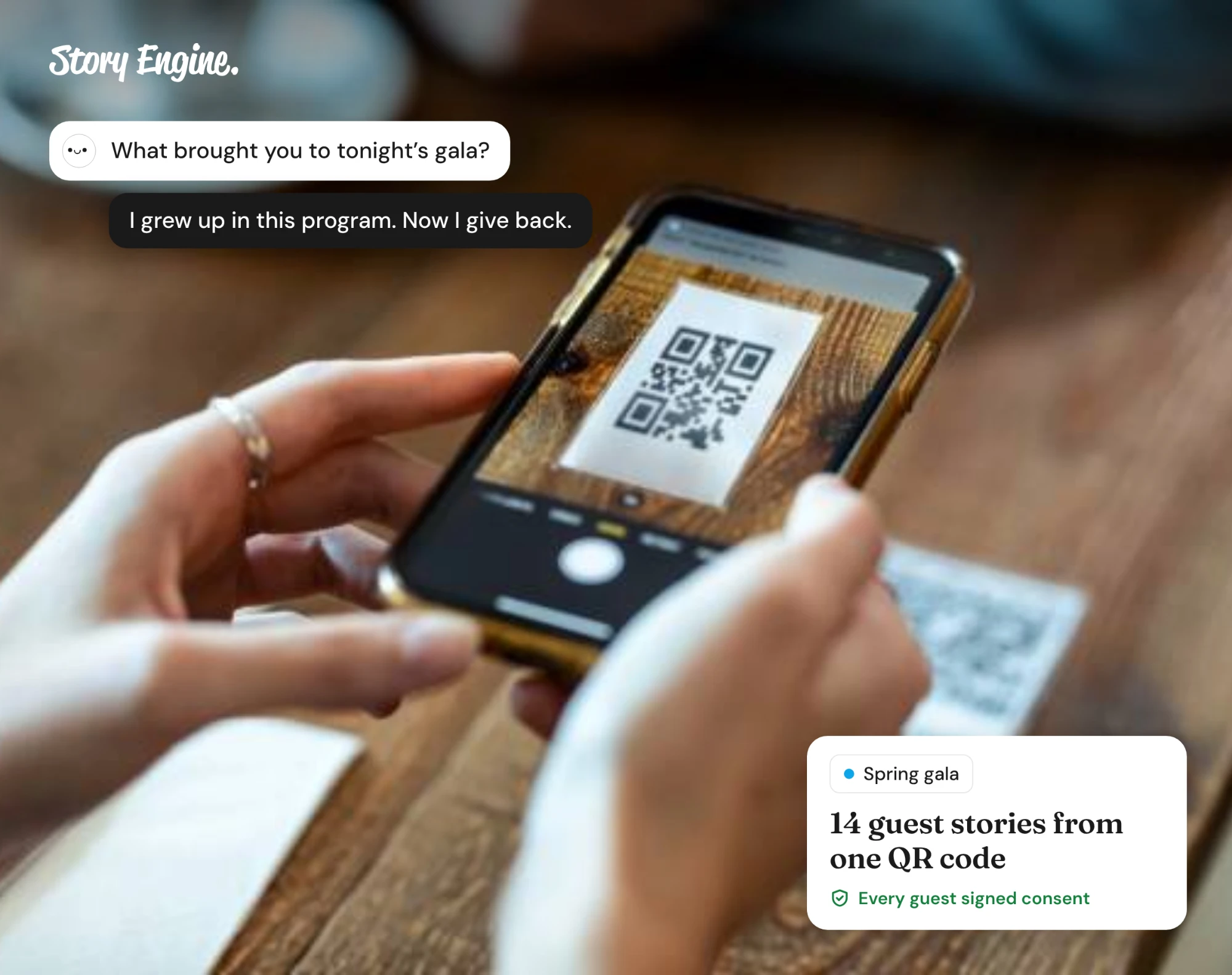
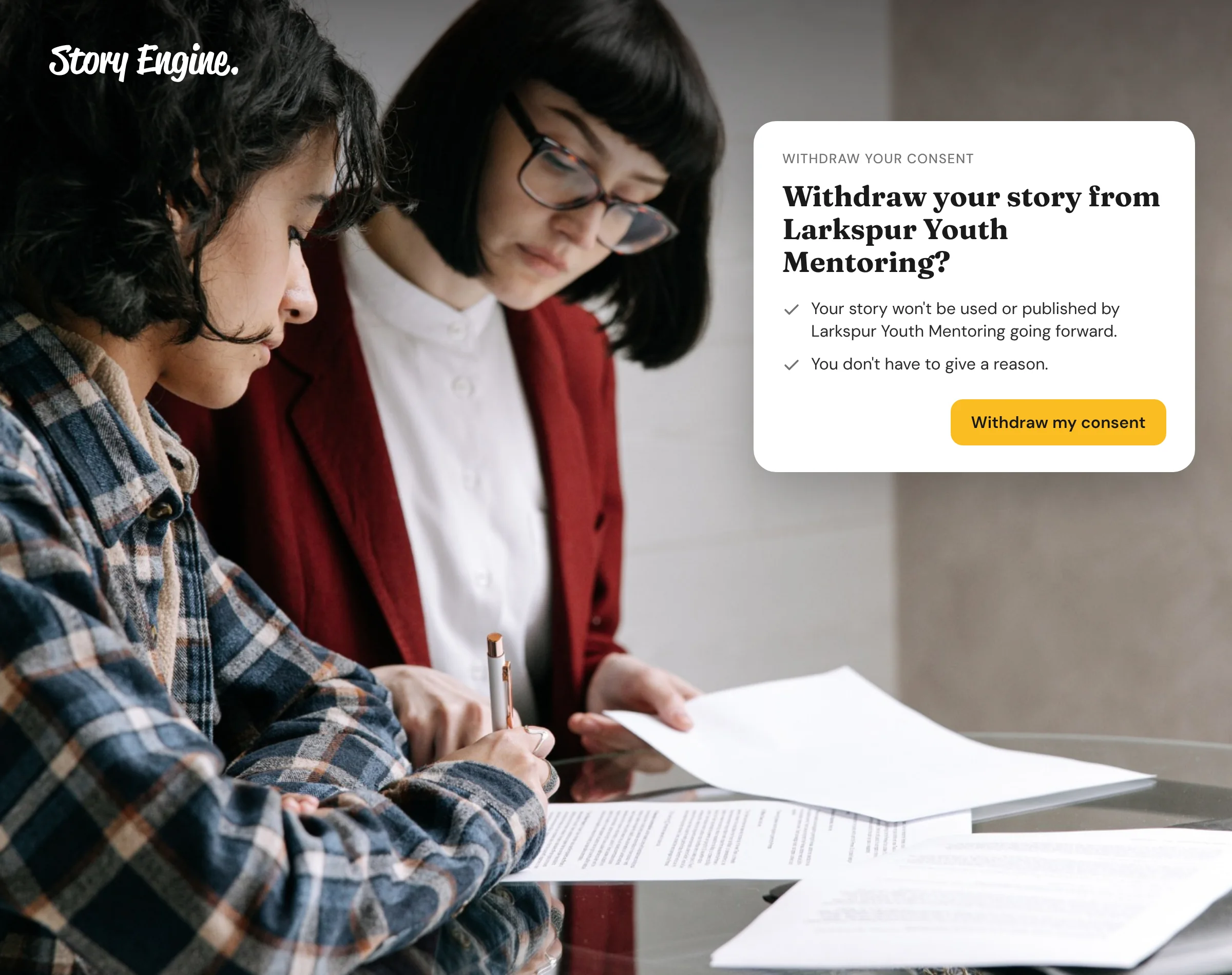
The first time your team sends an interview, you'll name the person storytellers can contact to withdraw consent. That name appears on the consent form each storyteller signs before answering.
3. Open the finished interview
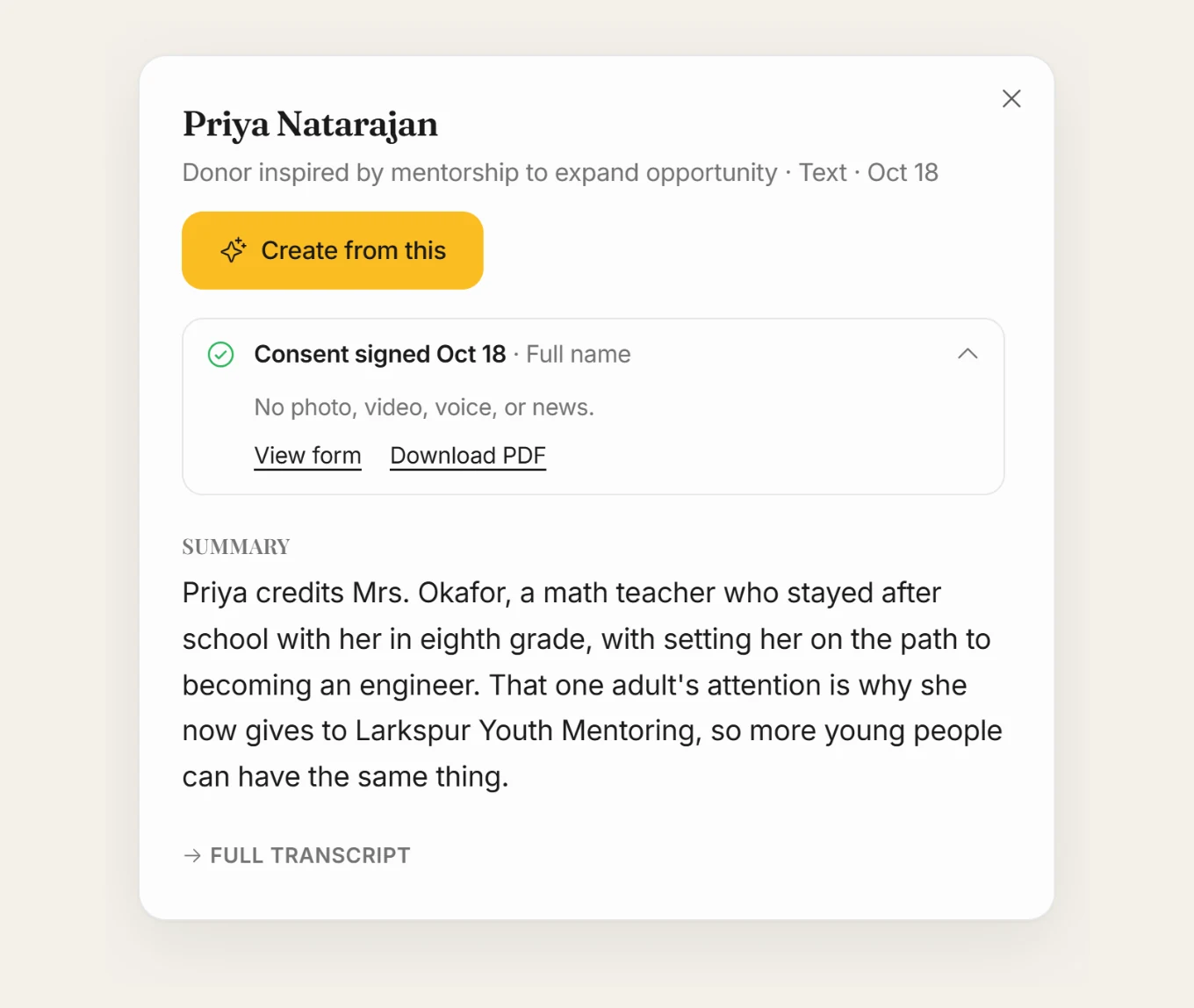
The person sees a summary and their full transcript before they approve, and can redo any answer. Your team sees nothing until they approve. When the interview comes back, open it to see its summary and transcript. Press Create from this to go straight from the interview to a draft.
4. Pick your formats
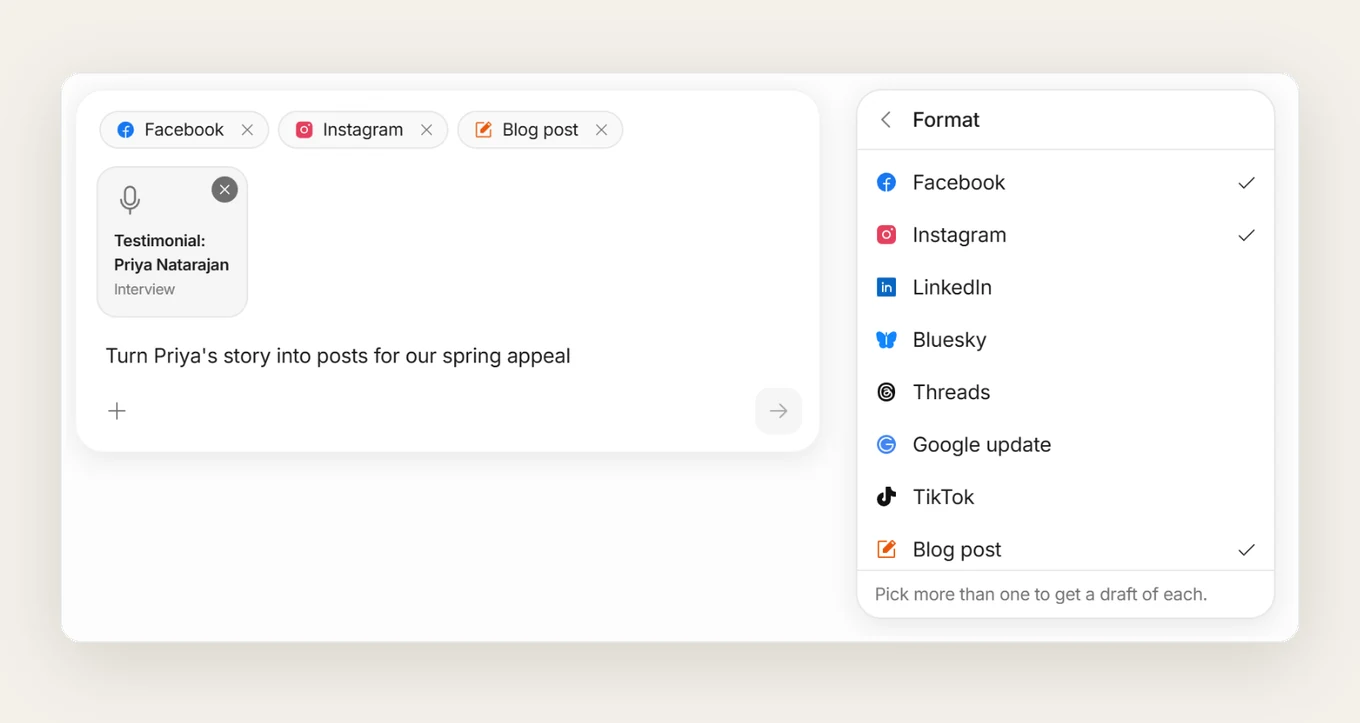
Create from this opens a conversation with Ellie, with the interview attached. Use the + to set the format, audience or voice, and every draft includes the original source so you can check facts and quotes.
5. Ask for each additional piece
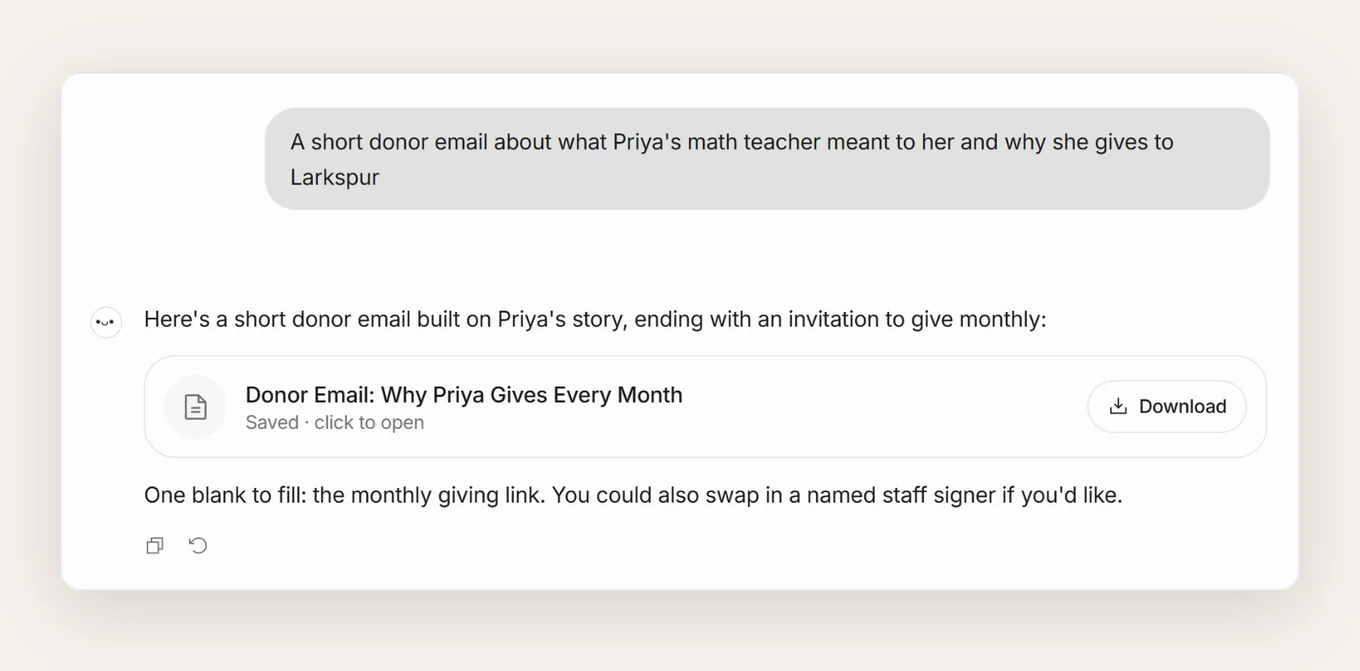
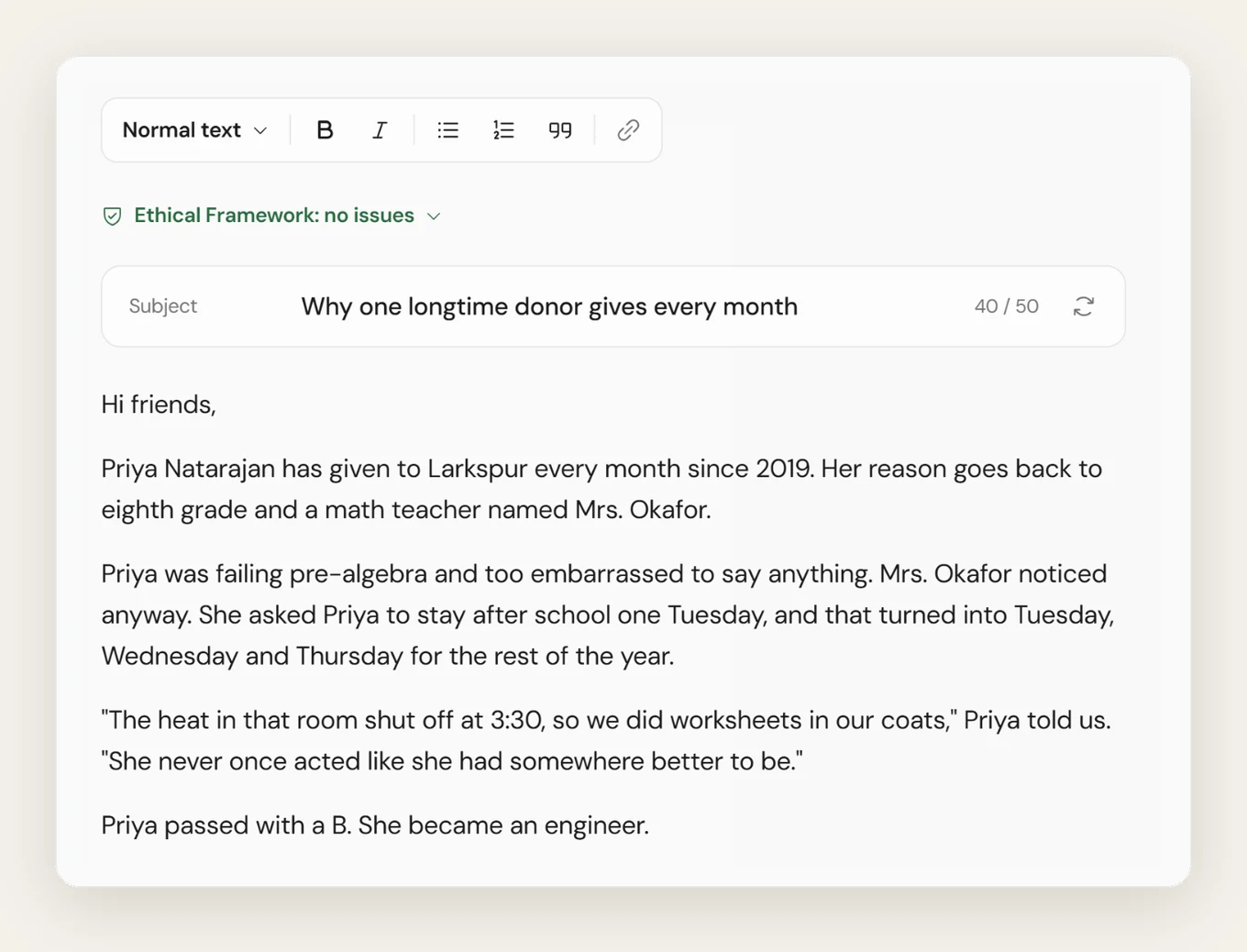
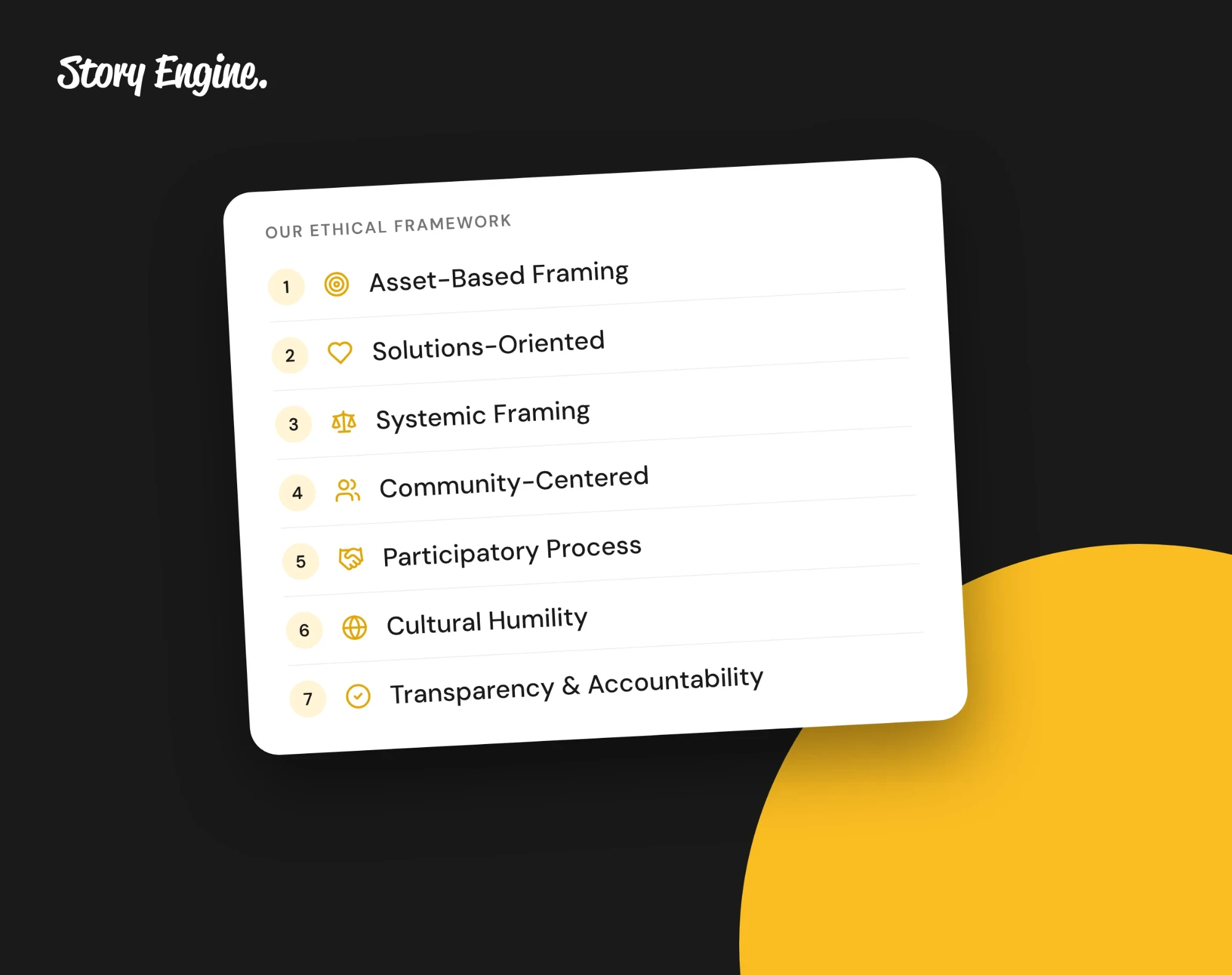
Ask Ellie for the next piece in plain words, like a short donor email about one moment from the interview. Each piece opens in the editor, where you can refine it and check it against the Ethical Framework.
6. Read before you publish
AI can make mistakes, so always read the finished draft against your source sheet before publishing.
What makes a quote work across formats?
Not every quote works in every piece. The best quotes for a newsletter are vivid and specific: a detail, a place, a feeling the reader can picture. The best quotes for a donor email name change clearly and briefly. The best quotes for a grant report are specific about outcome, not necessarily feeling.
When you build your source sheet, tag each quote with where it might fit. A quote like "I finished the program and started my own business the next month" works across all three.
Always use the person's actual words, cleaned only for readability. Never present a paraphrase in quotation marks as if the person said it.
Frequently asked questions
Can I use the same quote in all three pieces?
Yes, if it fits the tone of each piece. In Story Engine, you can attach the same interview to multiple drafts and ask the writing tool to use a specific quote. Check that the quote reads naturally in each context, since what works in a newsletter may feel out of place in a grant report.
Do I need a new consent form for each piece of content I create?
No. In Story Engine, the consent form the person signs at the start of the interview covers the content you create from it. If they want to withdraw, the person who signed can do so themselves from the link in the copy emailed to them, and a team member can also use Mark consent withdrawn from the interview's row menu.
What if the person said something in the interview they don't want published?
Leave it out of your source sheet entirely. In Story Engine, the transcript is there for your reference, but you decide what goes into any piece you create.
Start with the next interview you have
Pick one completed interview, build a source sheet from it, and try writing one format from it today. Once the source sheet exists, the second and third pieces take far less time.
If you want to see how Story Engine handles this end to end, the how to collect impact stories guide is a good next step. Or, if you think you're ready to start collecting, you can get your first story free when you sign up for Story Engine.
Sources
About the authors

A nonprofit copywriter and partner at Good Creatives.

Founded the agency Good Creatives in 2015, recognized by the American Institute of Graphic Arts.