
How to Get People to Respond to Story Requests
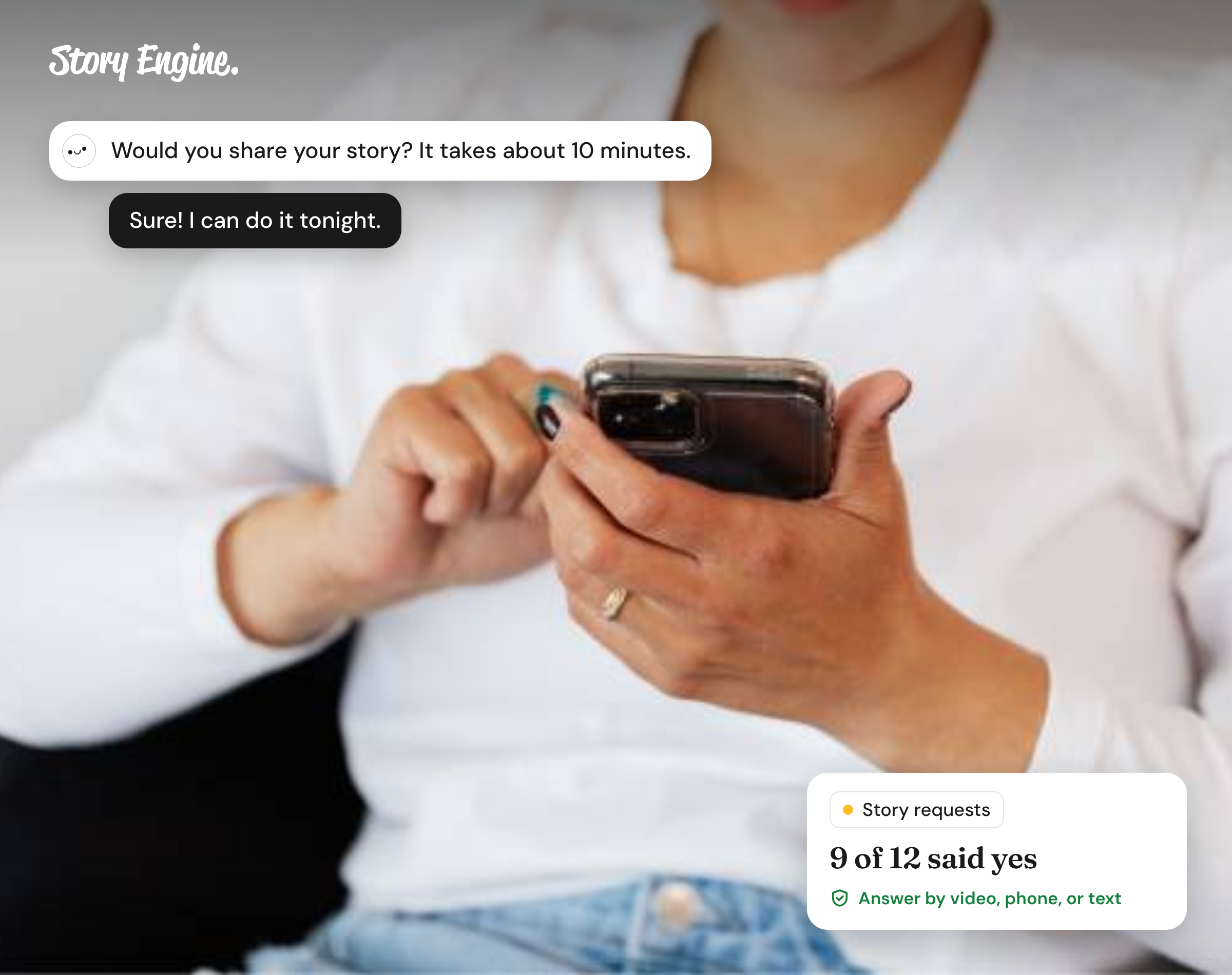
To get more responses to story requests, make the ask smaller and more specific: ask about one moment, offer more than one way to respond, and tell people how their story will help. Most requests go unanswered because “share your story” feels enormous, so people set it aside.
See how Story Engine turns story requests into interviews.
This guide will help you write story requests that get real responses from clients, volunteers, and donors. It covers how to frame the ask, offer format options, explain the benefit to the person sharing, and handle consent so storytellers feel safe saying yes.
Why do story requests go unanswered?
Most people want to help, but a vague or large-sounding ask gives them nowhere to start. "Share your story" could mean anything from a paragraph to a documentary. The person pictures the biggest version, decides they don't have time, and moves on.
Three things tend to stop someone before they even begin:
- The ask feels too open-ended to know where to start
- There's only one way to respond, and it doesn't suit them
- They don't know what happens to their story afterward
How to make the ask small and specific
Instead of asking someone to share their whole story, ask about one moment. A moment has a beginning and an end. It is easy to picture and easy to describe.
For example: rather than "Would you be willing to share your experience with our program?", try "Would you be willing to tell us about the moment you realized things were starting to change for you?"
That question tells the person exactly what you want. It is short to answer. It doesn't require them to review their whole history or figure out what's relevant.
How to explain what's in it for the person sharing
People share their stories for reasons that matter to them: to help others in a similar situation, to feel that their experience counted for something, to see their words in a real publication. These are real motivations, and you can speak to them directly.
Be honest about what you'll do with the story. Will it appear in your newsletter? In a grant report? On your website? Say so. Specific language creates confidence.
Also be clear that sharing is entirely their choice. The Bond guidelines on consent collection are direct on this point: declining to participate must not affect any benefits the person receives from your organization. That assurance matters especially when you're asking clients or program participants, where there may be a real or perceived power difference.
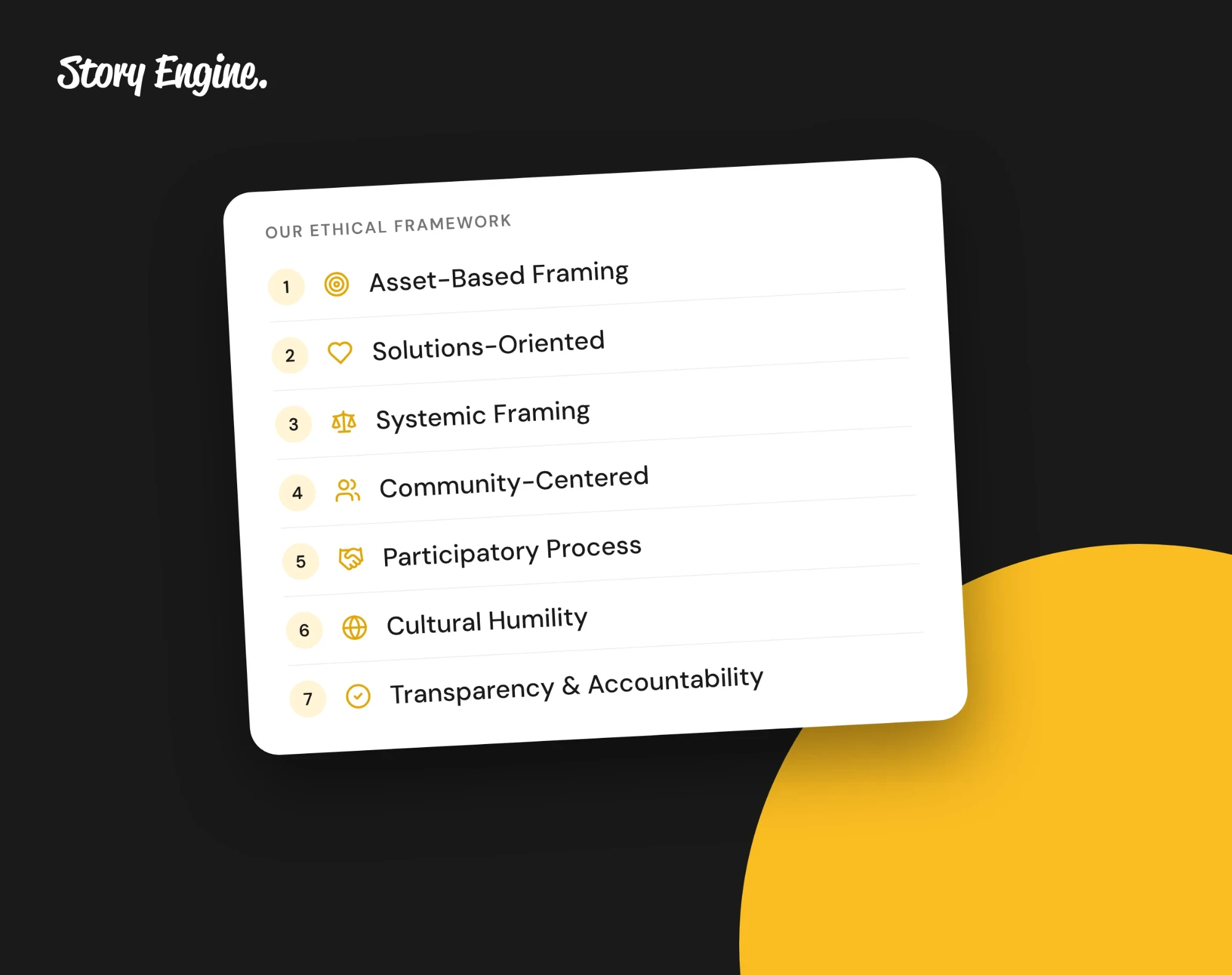
These principles carry into Story Engine's ethical storytelling practices that protect everyone involved.
How to handle consent so storytellers feel safe
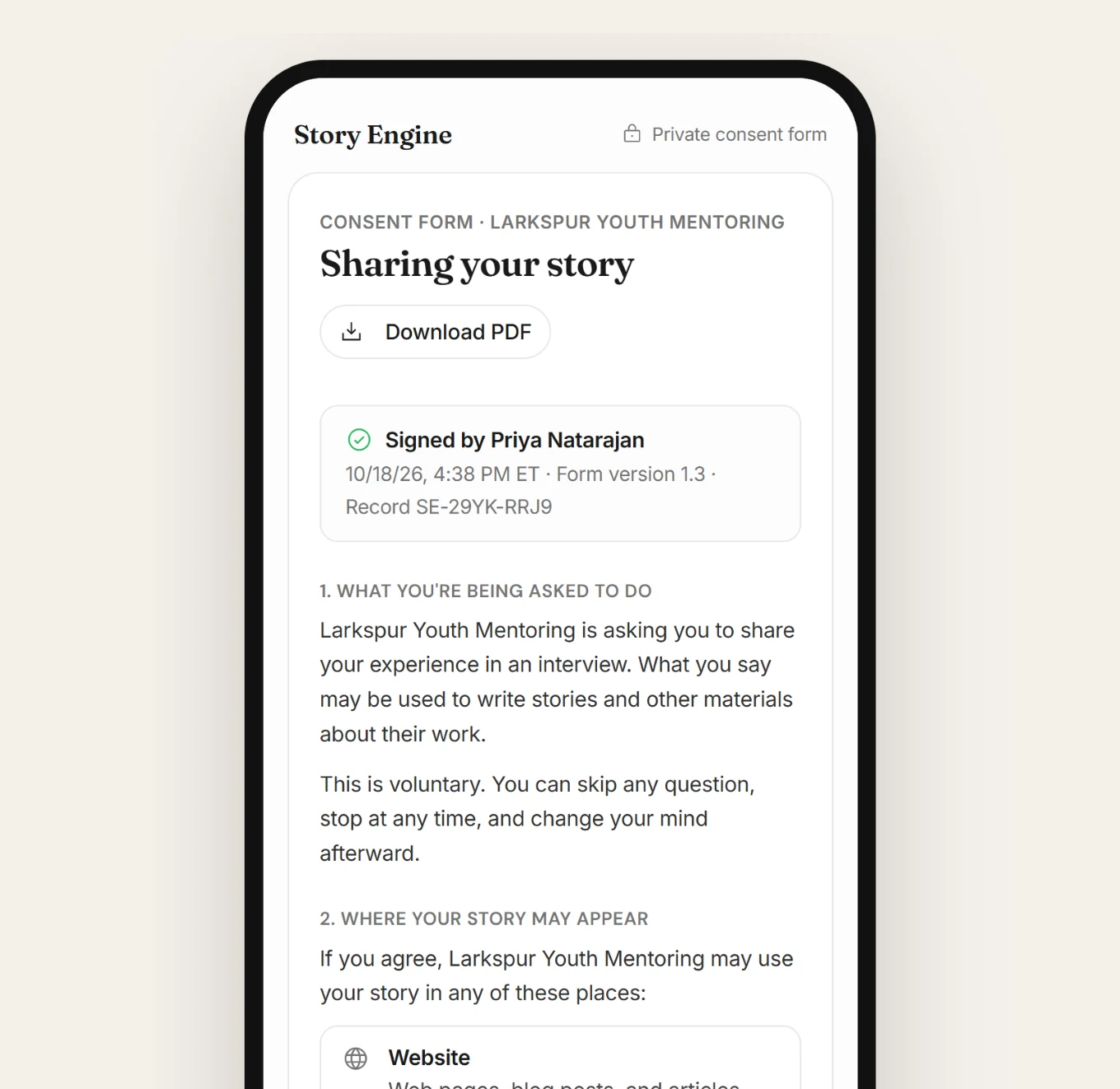
Before someone shares anything, they should know what the story will be used for, who will see it, and how they can withdraw their consent later if they change their mind.
Consent must be freely given. It can't be bundled with other agreements or implied by participation. The Bond guidelines on ethical storytelling note that participants must feel safe and comfortable enough to withdraw consent at any point, and that how to do this should be made very clear, leaving them with a name and contact to call.
Storytellers who understand the process from the start are more likely to say yes, and more likely to trust you with something real.
How to collect story responses in Story Engine
Story Engine is built to handle the friction points that stop people from responding, with two paths depending on how you want to reach people.
For a direct, personal ask, use the interview flow:
1. Create a new interview
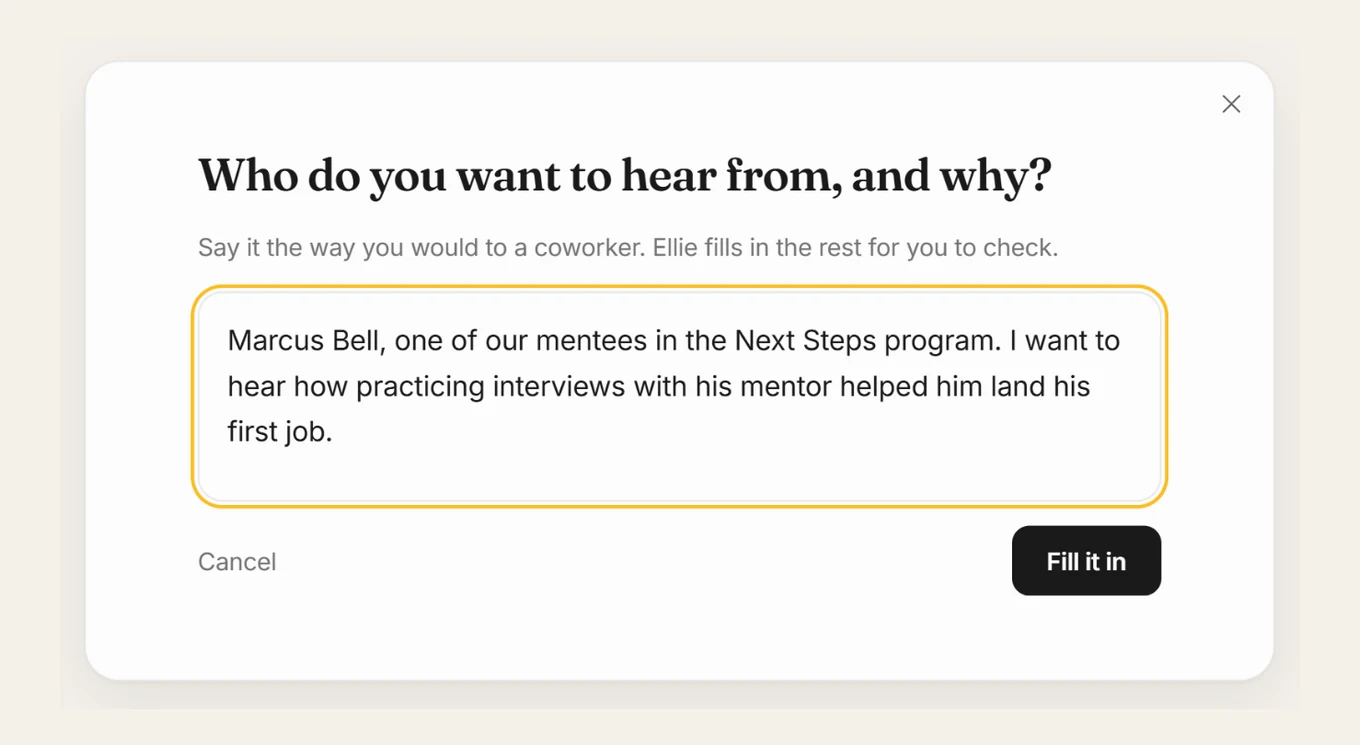
Go to Interviews in the menu and select New interview, then From one person. Type who you want to hear from and why, the way you'd explain it to a coworker, then press Fill it in. Story Engine drafts the interview setup for you to review.
2. Set the questions and format options
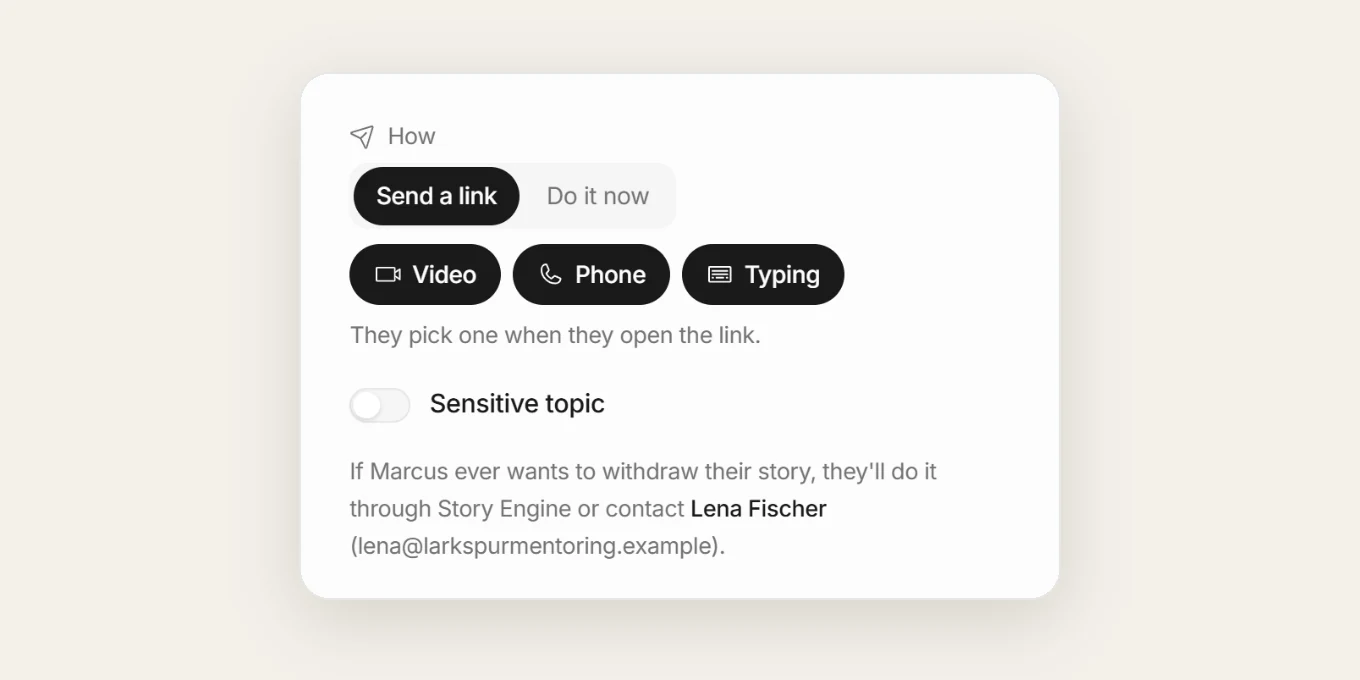
On the left side, review the questions. Edit any, add one with Add question, or regenerate the set. Under How, choose Send a link so the person answers on their own time. Turn on Video, Phone, and Typing together so they pick the format that suits them when they open the link.
3. Send the invite
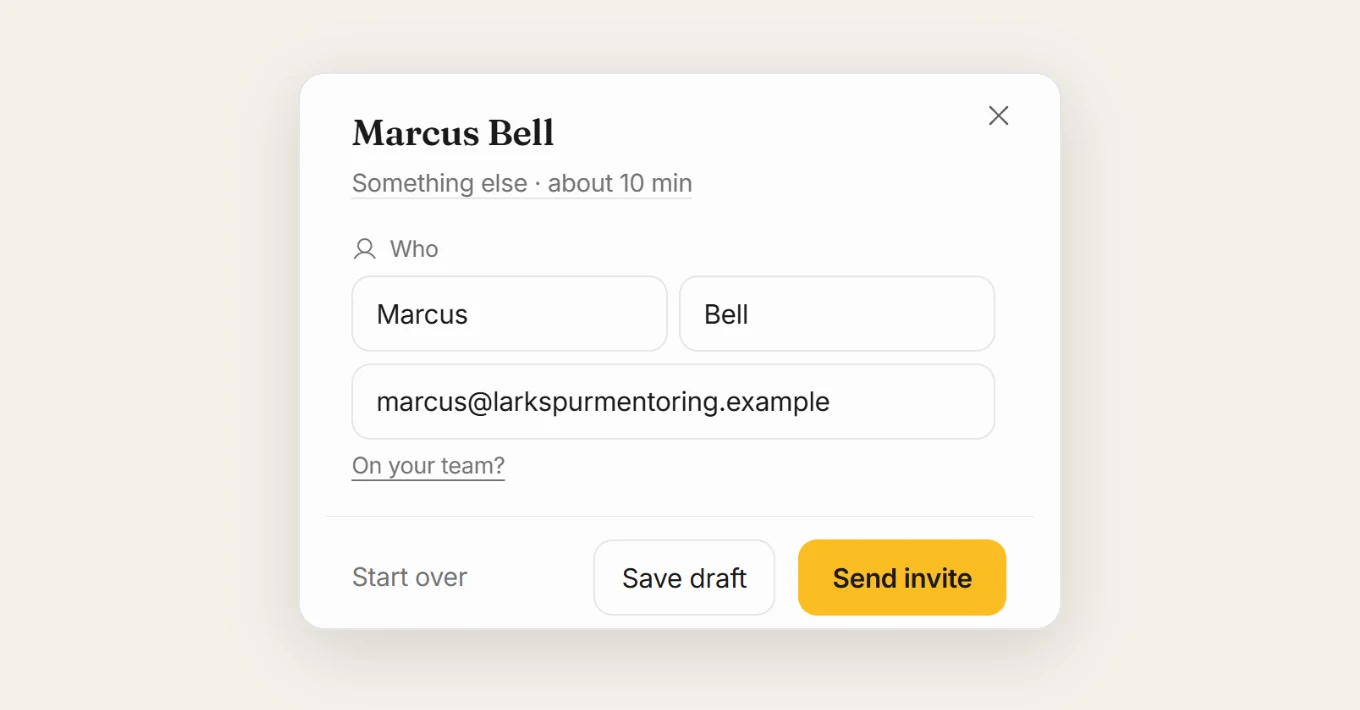
Fill in the person's first name, last name, and email, add an optional personal note in the note field, then press Send invite. The person receives an email with a link. Before they answer anything, they sign a consent form that names who to contact if they want to withdraw. They can also withdraw through Story Engine itself.
The contact is printed on the form in case your team ever stops using Story Engine. It is set the first time you send, and can be updated later in Settings › Team. They see a summary and their full transcript before they approve, and can redo any answer. Your team sees nothing until they approve.
4. Use a Moments link for open or event-based requests
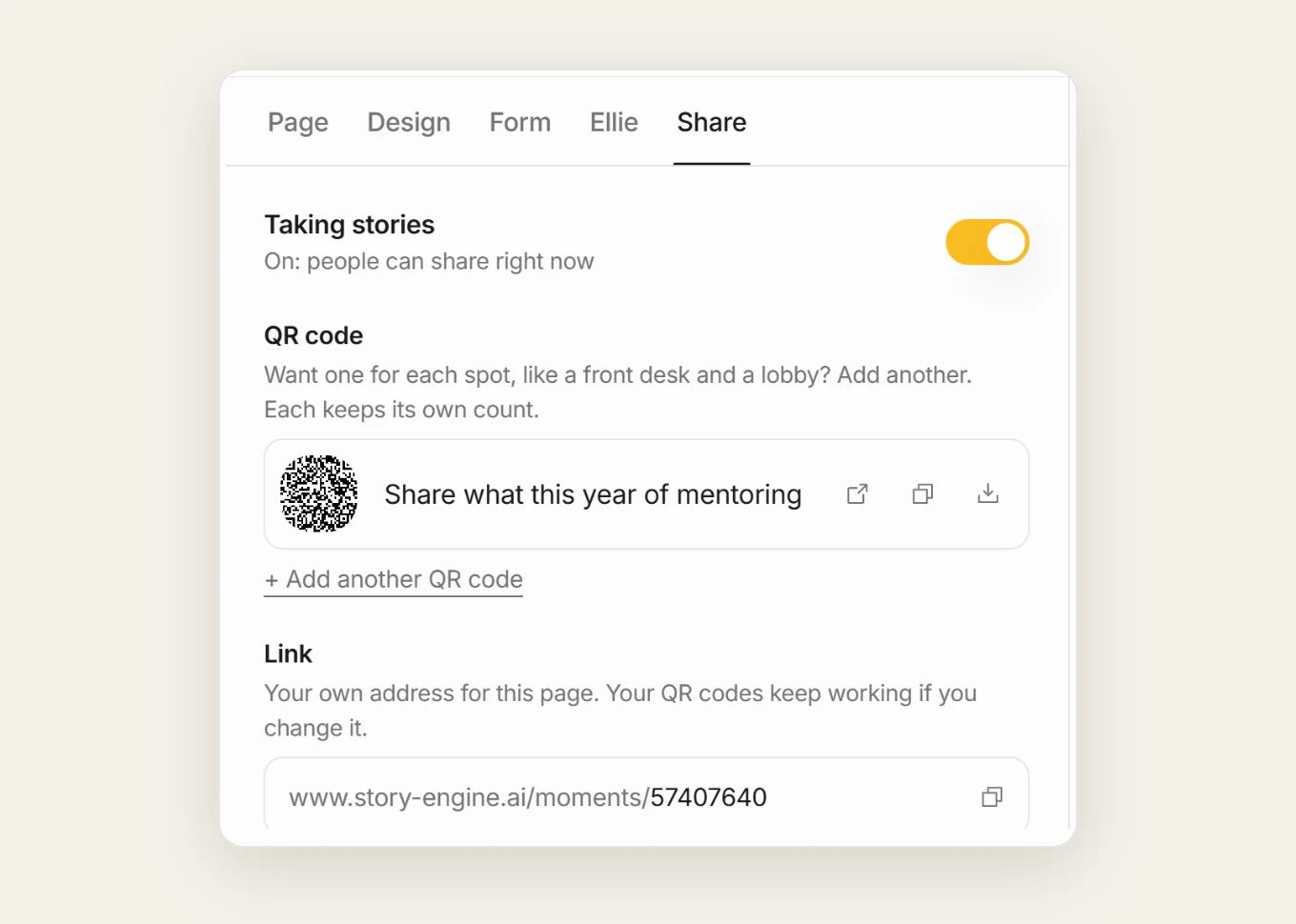
For a broader ask, go to Moments and select + New link. This creates a link or QR code anyone can use to share a moment without an account. They can share a few words, a few photos, or chat with the AI interviewer by typing, video, or phone.
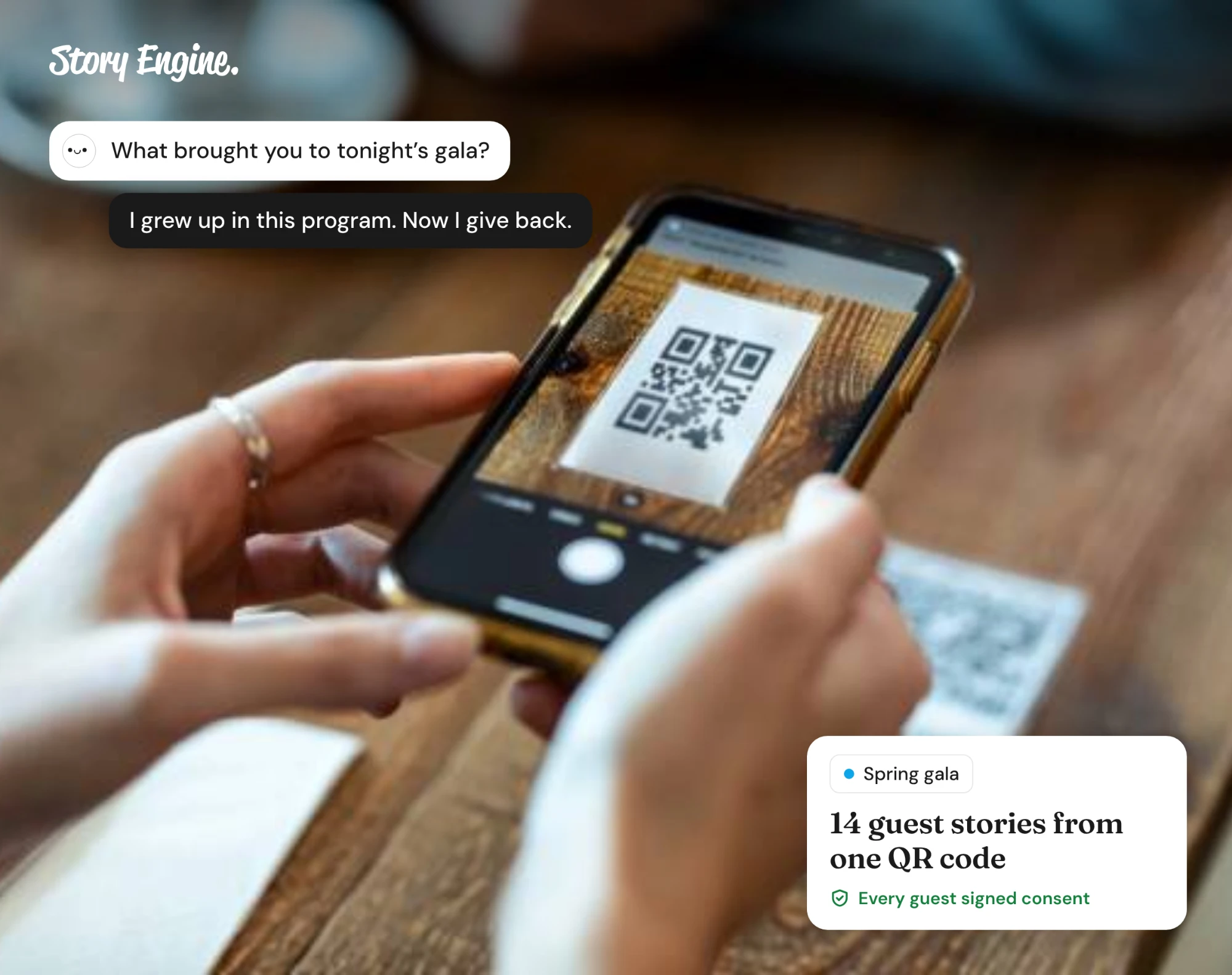
They sign a consent form first. Share the link in your newsletter, post it at an event, or add it to a follow-up email. Each response comes in for your team to review under Submissions.
Frequently asked questions
What if someone doesn't respond to the first message?
One follow-up is reasonable. Keep it short and reference the original ask. In Story Engine, you can resend an interview invite from the row menu on the Interviews page using Resend invite, which resends to the same person without creating a duplicate.
Can someone share a story without filling out a written form?
Yes. Story Engine's interview link can be set to offer video, phone, and typing so the person picks the format they prefer. The Moments link also supports a chat with the AI interviewer by video, phone, or typing, alongside written and photo responses.
How do I make sure consent is handled properly?
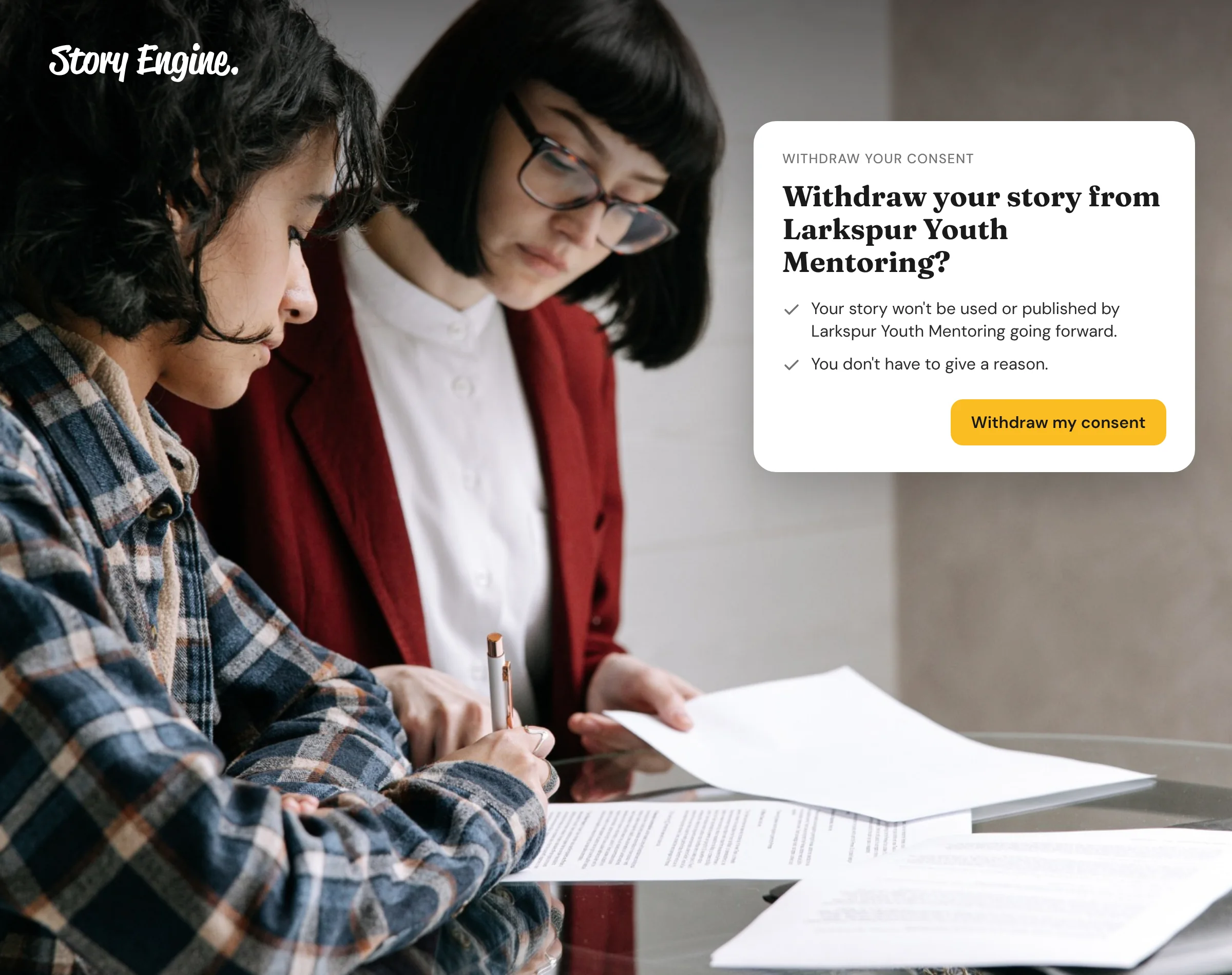
Every interview in Story Engine starts with a signed consent form before the person answers anything. The form names who to contact to withdraw consent. The person who signed can withdraw their consent themselves from the link in the copy emailed to them, and a team member can also use Mark consent withdrawn from the interview's row menu.
Start with one specific ask
Pick one person whose story you've been meaning to collect, and write them a message that asks about a single moment rather than their whole experience. That one change is usually enough to get a first response.
If you want a guided way to send that ask and handle consent, the interview flow in Story Engine walks you through it step by step. Collect your first story for free when you sign up for Story Engine.
Sources
About the authors

A nonprofit copywriter and partner at Good Creatives.

Founded the agency Good Creatives in 2015, recognized by the American Institute of Graphic Arts.